
Writingmate Lifetime Deal: Access 200+ AI Models in One App
Save time writing across the web with the Writingmate Lifetime Deal today.
You jump from email to Jira, then over to Docs, then into LinkedIn. Your tasks pile up. Drafts take longer than they should. You know AI could help, but you don’t want yet another monthly bill. That’s where the Writingmate Lifetime Deal fits. It gives you an AI writing assistant inside your browser, so you can reply to emails, polish copy, comment code, and draft posts without leaving the page. I used it to write faster, with fewer edits, and less context switching. If you want practical speed and clear writing in your daily workflow, this deal is worth a close look.
What is Writingmate?
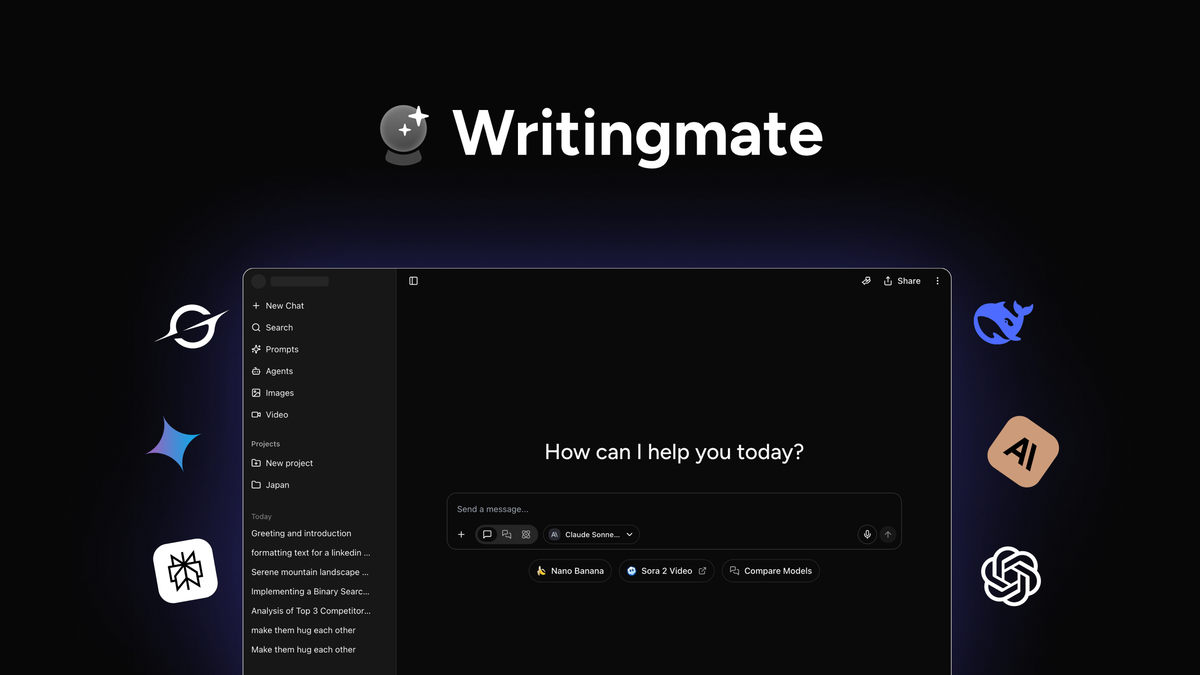
Writingmate is a browser-based AI writing assistant designed to work inside the apps you already use. It lives in Chrome (and Chromium-based browsers) as a sidebar and inline helper. It claims to help you write, rewrite, summarize, translate, and ideate with one click, using large language models like GPT to speed up email, docs, social posts, code comments, and more. The Writingmate Lifetime Deal on AppSumo turns that into a one-time purchase, so you can skip ongoing subscriptions.

My Personal Experience & In-Depth Walkthrough:
For the last 48 hours, I ran Writingmate on my main Chrome profile to see if the Writingmate Lifetime Deal is a smart buy. Setup took about two minutes. I installed the extension, pinned it to my toolbar, and signed in. The sidebar appears on any page with a small icon. One click opens prompts like Rewrite, Summarize, Expand, Shorten, Translate, and Custom.
I started in Gmail. I selected a long thread and hit Summarize. In about four seconds, it gave me a crisp, bullet summary. That speed is a big pro. I replied with the “Draft polite reply” template, then adjusted tone to “concise and friendly.” The tone slider is simple, and it kept my voice well. The output needed light edits for names and dates. That is normal and expected with any AI.
Next, I used Writingmate in Google Docs to polish a product spec. I highlighted a messy paragraph and clicked Rewrite. The first pass was good, but a bit generic—something you should note. I nudged it with a short instruction: “Keep technical terms. Use short sentences.” The second pass was spot on. I liked that I could layer edits without starting over.
On LinkedIn, I tried the “Create post from article” prompt. I pasted a URL, and it returned a punchy post with hooks and hashtags. It saved me at least 10 minutes. The hashtag suggestions were relevant, but I trimmed them. I found that it can over-tag at times, which is a con if you prefer a clean style.
As a developer, I also fed it a block of code comments and asked for clearer docstrings. It did well with structure and clarity. It also explained a regex in plain English when I asked. That is a quiet superpower for devs and technical writers. The only hiccup was rate limits during a bursty test. If you fire a lot of prompts back-to-back, you may hit a throttle. That is typical for SaaS AI tools, but still worth noting.
I ended by creating a few custom templates: bug report triage reply, PR description skeleton, and a “meeting recap in 5 bullets” helper. These worked across Gmail, Docs, and Jira in the same sidebar. That cross-app flow is where Writingmate shines. I stayed in one tab and kept moving.
What Makes It Stand Out / Key Features
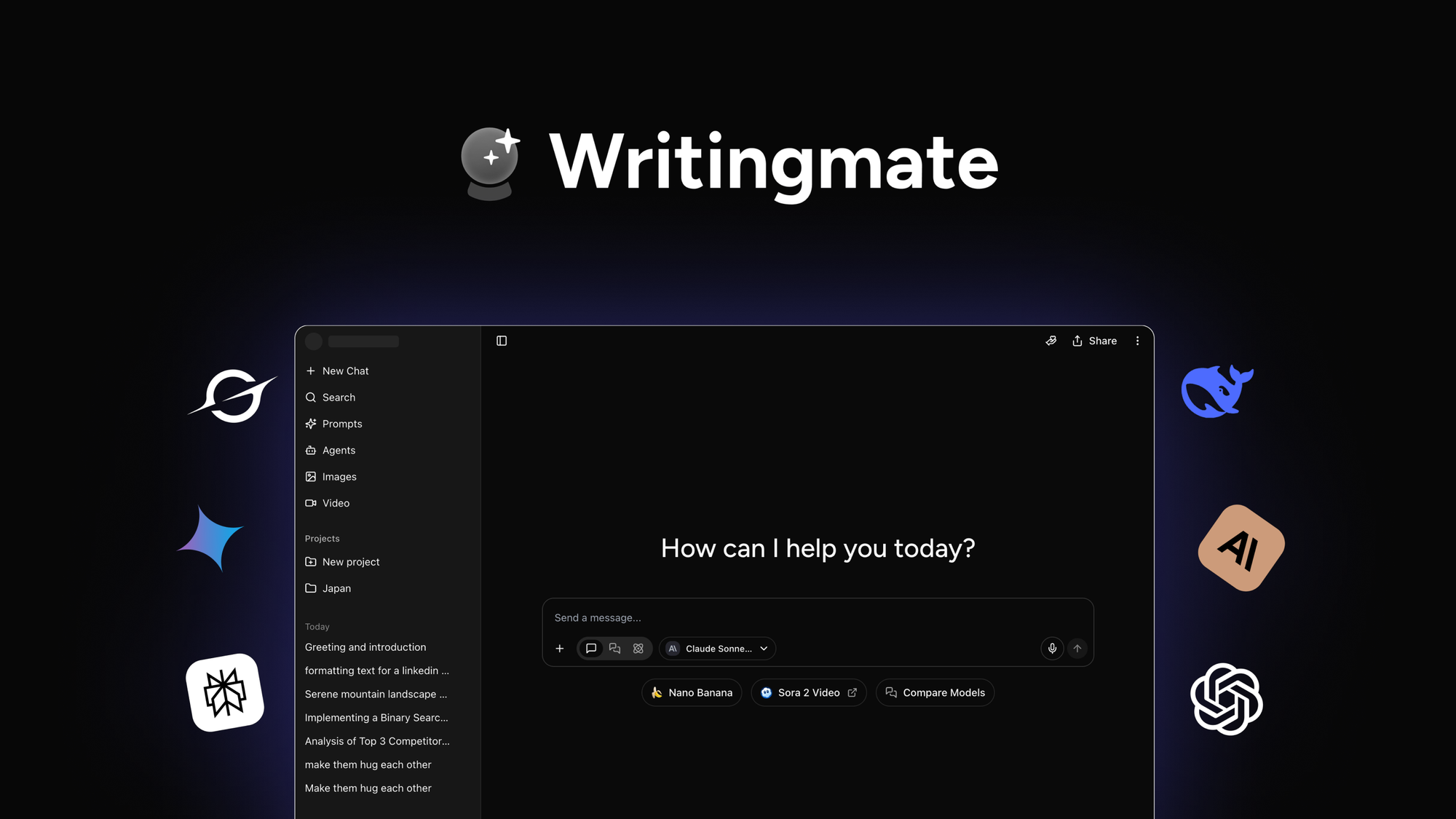
- Chrome sidebar that works inside Gmail, Google Docs, LinkedIn, Twitter/X, Jira, Notion, and more
- One-click actions: Rewrite, Summarize, Expand, Shorten, Translate, Check tone, Fix grammar
- Custom templates and saved prompts for repeat tasks and brand voice
- Tone, length, and style controls for clear, consistent output
- Ability to explain or refactor code and improve technical copy
- Inline editing with highlight-to-rewrite flow to cut context switching
- Multilingual support for translation and localization
- Snippet history and quick reuse so you do not start from scratch
- Privacy-friendly design with per-site controls and opt-in context

What I Like
- Fast summaries and replies that feel natural, not robotic
- Works inside the tools I already use, so I write in place
- Custom templates help enforce brand voice and speed up routine tasks
- Simple tone and length controls that reduce edits
- Strong for email replies, docs polishing, and LinkedIn posts
- Helpful for code comments and regex explanations when I am stuck
- Clean UI with a small footprint that does not get in the way
- Saves time on briefs, outlines, and first drafts
What Can be improved
- Occasional generic phrasing on first pass; extra context fixes it
- Throttling can appear if you send many prompts in a short time
- Hashtag suggestions can be heavy; needs light trimming

Pricing And Affordability
Below is a simple snapshot of the Writingmate Lifetime Deal tiers as offered on AppSumo. Exact pricing, quotas, and terms can change. Always confirm the live details on the deal page.
| License Tier | One-time Price | Seats | Intended Use | Notable Inclusions |
|---|---|---|---|---|
| Tier 1 | $49 | 1 | Solo creators and devs | Core Writingmate features, Chrome extension, standard prompt limits (fair use), templates |
| Tier 2 | $98 | 3 | Small teams | All in Tier 1, higher monthly AI usage, custom templates/brand voice, priority support |
| Tier 3 | $147 | 5 | Growing teams | All in Tier 2, team workspace, higher limits, admin controls, collaboration features |
Notes:
- One-time payment with lifetime access to the plan features listed on the deal page
- AppSumo 60-day money-back guarantee for risk-free trial
- “Fair use” and model access may vary over time; check the listing for current details

Why should you buy Writingmate
If you write a lot across email, docs, tickets, and social, the Writingmate Lifetime Deal pays for itself fast. I used it to summarize long threads, clean up specs, and draft posts in minutes. It lets me work in place, with a fast sidebar and clear tone controls. I like that I can save my own templates for repeat jobs. It is useful for developers, marketers, founders, and support teams. The one-time price removes subscription creep. You get practical speed, better clarity, and fewer edits every day. If you want an AI writing tool that fits inside your browser and cuts busywork, the Writingmate Lifetime Deal is a smart pick.

Lifetime Deal Overview of Writingmate
| Item | Details |
|---|---|
| Deal Type | Lifetime access via AppSumo (one-time payment) |
| Available Tiers | Tier 1, Tier 2, Tier 3 |
| Refund Policy | 60-day AppSumo money-back guarantee |
| Access Scope | Chrome extension + Writingmate account features per tier |
| Updates | Future updates within the plan/tier on the deal page |
| Usage Limits | Fair-use limits per tier (details on live listing) |
| Seats | 1 seat (Tier 1), 3 seats (Tier 2), 5 seats (Tier 3) |
| Best For | Solo creators, developers, marketers, small teams who write daily |
Comparison With Competitors of Writingmate
| Product | Pricing Model | Browser Sidebar | Templates/Brand Voice | Email + Docs In-Place | Dev/Code Help | Best For |
|---|---|---|---|---|---|---|
| Writingmate (Lifetime Deal) | One-time (AppSumo) | Yes | Yes | Yes | Yes (explain/refactor) | Everyday writing across apps |
| GrammarlyGO | Monthly | Partial | Limited brand voice | Good in Gmail/Docs | Basic | Grammar-first workflows |
| Wordtune | Monthly | Yes | Limited | Yes | Basic | Rewriting and tone control |
| Compose AI | Freemium/Monthly | Yes | Basic | Yes | Limited | Quick autocompose in email |
| HyperWrite | Monthly | Yes | Yes | Yes | Some agents | Power users and long-form |
FAQ Of The Writingmate Lifetime Deal
Is Writingmate hard to set up?
No. Install the Chrome extension, sign in, and pin it. The sidebar appears on any page. You can start with built-in prompts or save your own.
Does Writingmate work in Gmail and Google Docs?
Yes. You can highlight text to rewrite or summarize in place. It also drafts replies in Gmail and improves paragraphs in Docs.
Can I use Writingmate for code comments and technical docs?
Yes. You can ask it to explain snippets, rewrite docstrings, and clarify complex notes. It also helps with concise PR descriptions.
Is there a refund policy?
Yes. The Writingmate Lifetime Deal on AppSumo includes a 60-day money-back guarantee. You can try it and get a refund if it is not a fit.
How does the lifetime deal compare to a monthly subscription?
With the Writingmate Lifetime Deal, you pay once. You get ongoing access within your tier. This can beat monthly fees if you write often.
Conclusion
The Writingmate Lifetime Deal is a practical, low-friction way to add AI to your daily writing. It speeds up replies, improves clarity, and works across the sites you already use. I liked its fast summaries, clean UI, and custom templates. It is not perfect. First drafts can be generic, and heavy bursts may hit limits. But for a one-time cost, the value is strong. If you want a simple tool that helps you write better and faster right inside your browser, the Writingmate Lifetime Deal is a smart buy.


5 Comments