
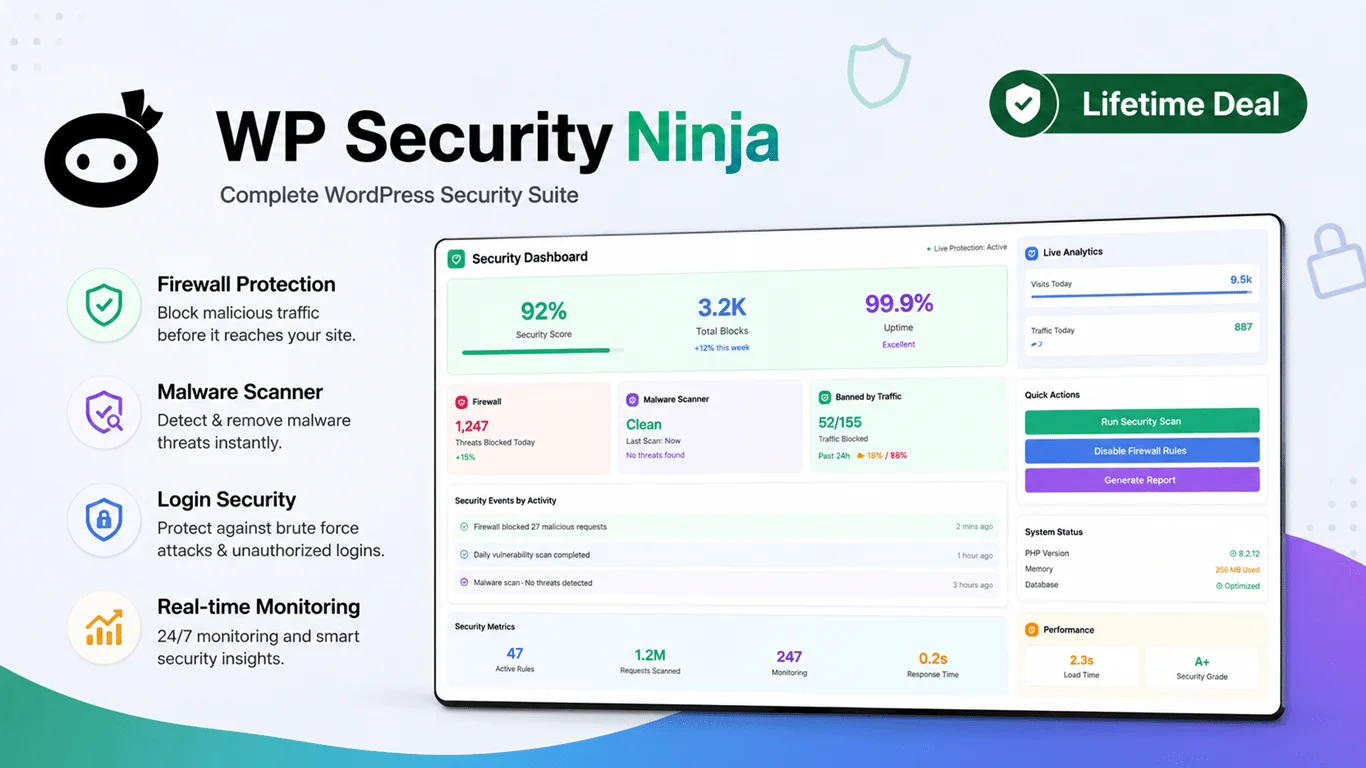
WP Security Ninja Lifetime Deal: Protect Your Website from Hackers
WP Security Ninja Lifetime Deal locks down WordPress with fast scans and auto-fixes.
You patch plugins, but bots still pound your login page. A client emails that a page is redirecting to a shady site. Backups exist, yet they do not stop an attack in the first place. That is where a smart WordPress security plugin shines. The WP Security Ninja Lifetime Deal gives you simple tools to test, harden, and watch your site in real time. It checks core files, blocks brute-force attempts, and flags weak spots before they turn into hacks. If you manage many sites, it also helps you act fast, so you can sleep at night.
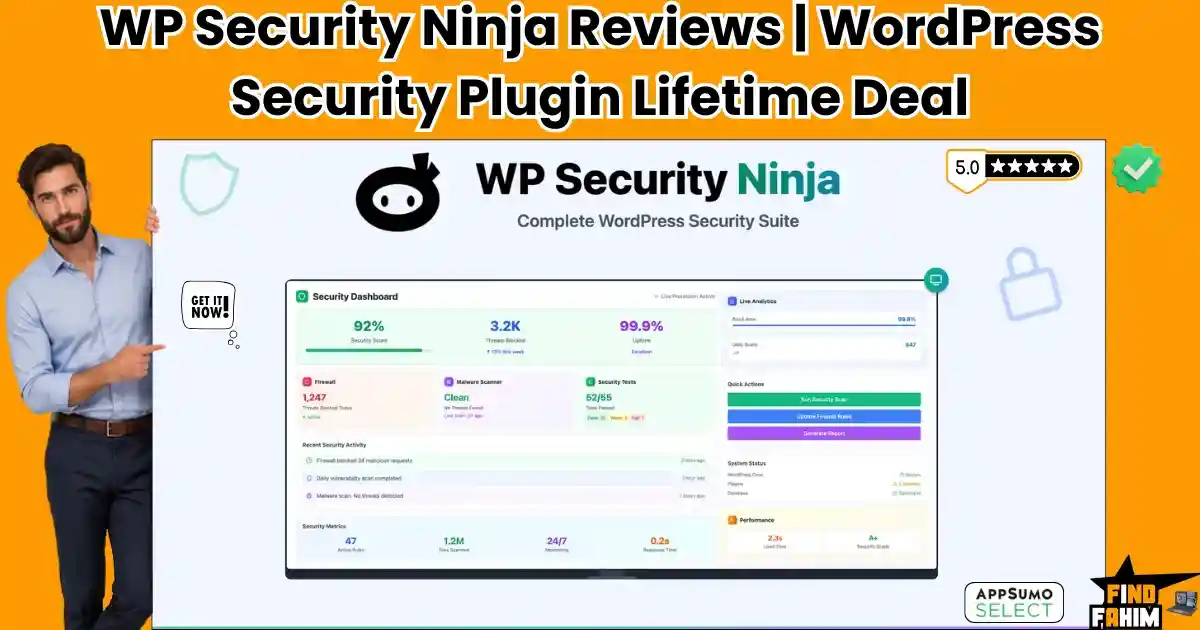
What is WP Security Ninja?
WP Security Ninja is a WordPress security plugin built to find and fix weak spots on your site. It runs a set of security tests, scans for malware and file changes, and adds firewall and login protection. It can harden common entry points with one click. You get alerts when something looks wrong, so you can act fast. The WP Security Ninja Lifetime Deal bundles these premium features for a one-time price on AppSumo.

My Personal Experience & In-Depth Walkthrough:
For the last 72 hours, I installed WP Security Ninja on a busy WooCommerce site and a small blog. Setup took less than five minutes. I uploaded the plugin, activated my license, and clicked “Run Tests.” It returned a clear list of passes and fails, with plain English notes. I liked that it suggested one-click “Auto-Fix” actions right beside the problems. That saved time and guesswork.
Next, I turned on the firewall and login protection. Within an hour, the logs showed blocked brute-force attempts. That was a big relief. I also enabled file integrity checks. The plugin scanned core files and flagged a modified wp-config backup I forgot about. That is a big pro: I got to clean up clutter that attackers love to abuse. The malware scan ran fast and did not slow the site. Email alerts landed in my inbox with clear summaries.
I was really impressed by how light it felt on my servers. CPU stayed calm during scheduled scans, which is a huge pro if you host many sites. The dashboard grouped issues by risk, so I knew what to fix first. I also liked the activity log for tracking admin changes. It helped me confirm when a client updated a plugin. That is priceless for audits.
A few cons showed up. The default settings are safe, but power users will want more granular firewall rules. I also wanted deeper integration with popular backup plugins out of the box. You can pair it with your backup tool, but a guided link or preset would help new users. Finally, reports are clean, yet I would love a client-facing PDF with branding in the lifetime tier. Still, for a one-time fee, the balance of speed, clarity, and coverage is strong.
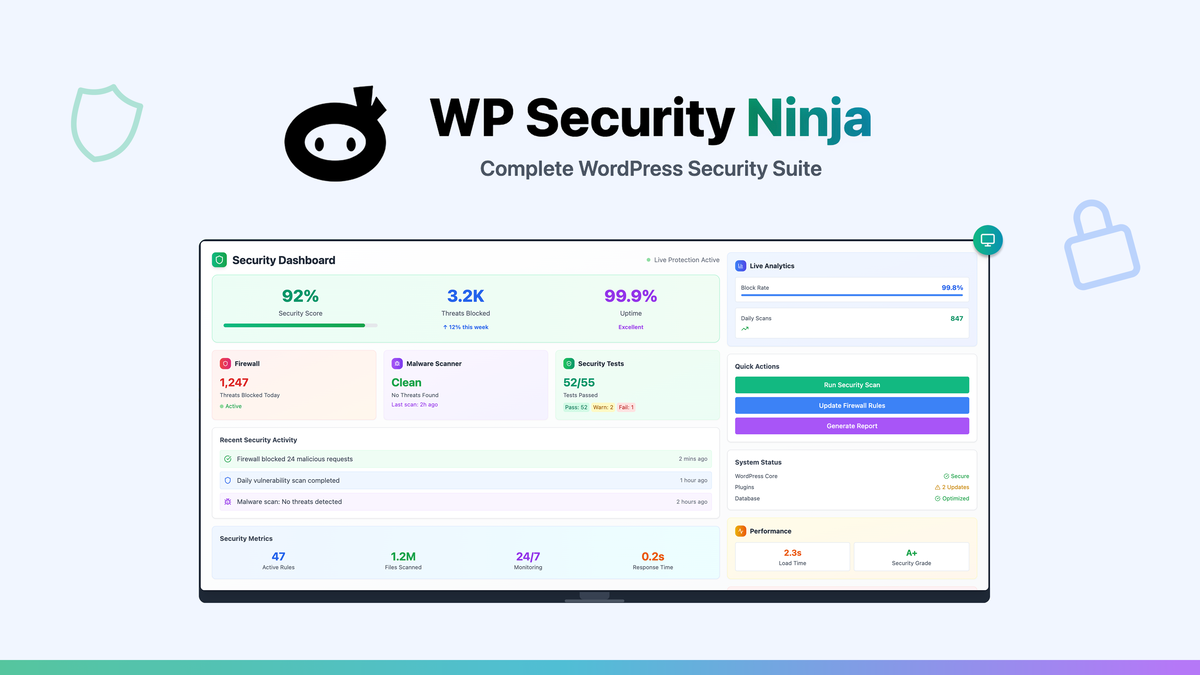
What Makes It Stand Out / Key Features
- 50+ security tests to check core settings, permissions, and exposure
- Malware and file integrity scanner with alerts on suspicious changes
- Application-level firewall and brute-force login protection
- One-click Auto-Fix hardening for common WordPress weak spots
- Scheduled scans and instant email notifications
- Activity log to track logins, changes, and key site events
- Country/IP blocking and lockout rules to stop bad actors
- Simple, fast dashboard with clear pass/fail results
- Compatibility with most caching and hosting stacks
- Built for agencies and site owners who want a set-and-monitor workflow

What I Like
- Very quick setup and a friendly dashboard that needs no manual
- Tests, hardening, and alerts in one place save me hours each month
- Auto-Fix reduces risk from misconfigurations with a single click
- Light footprint during scans; no big slowdowns under traffic
- Clear email alerts with actions I can take right away
- File integrity checks catch sneaky changes early
- Works well alongside caching and backup plugins
- Activity log makes audits and client support easier
- The WP Security Ninja Lifetime Deal means no recurring fees
- Great fit for multi-site managers and freelancers

What Can be improved
- More granular firewall rule control for power users
- Tighter, guided integrations with popular backup plugins
- Nicer branded/PDF client reports in all lifetime tiers

Pricing And Affordability
Below is a quick view of how the WP Security Ninja Lifetime Deal is structured on AppSumo. Pricing and limits can change, so always check the deal page for the latest details.
| Plan/Tier | One-time Price | Websites | Core/Pro Features | Updates | Refund Policy |
|---|---|---|---|---|---|
| Tier 1 | $59 | 1 site | Full Pro features, firewall, scans, Auto-Fix, alerts | Lifetime plan updates | 60-day AppSumo guarantee |
| Tier 2 | $119 | 10 sites | Everything in Tier 1 | Lifetime plan updates | 60-day AppSumo guarantee |
| Tier 3 | $179 | Unlimited sites | Everything in Tier 2 | Lifetime plan updates | 60-day AppSumo guarantee |
Notes:
- Lifetime access via AppSumo.
- The WP Security Ninja Lifetime Deal typically includes all future plan updates.
- Support terms follow the plan on the deal page.

Why should you buy WP Security Ninja
If you want strong WordPress security without a big learning curve, the WP Security Ninja Lifetime Deal is a smart buy. It finds weak spots, hardens your site, and alerts you to changes fast. I liked how simple it was to get clear results and apply fixes in minutes. For site owners, that means less worry. For agencies, that means less time on routine checks. The plugin is light, yet it covers the key risks: brute force, file tampering, and bad settings. With a one-time cost, it beats yearly fees while keeping core features close at hand. That mix of speed, clarity, and lifetime value is hard to beat.

Lifetime Deal Overview of WP Security Ninja
| Item | Details |
|---|---|
| Deal type | WP Security Ninja Lifetime Deal on AppSumo |
| Access | Lifetime access to listed plan tier |
| Updates | All future plan updates included |
| Refund | 60-day AppSumo money-back guarantee |
| Sites | Tier-based limits (1 / 10 / Unlimited) |
| Key modules | Security tests, Auto-Fix, firewall, malware/file scans, activity log, alerts |
| Best for | WordPress site owners, freelancers, agencies, and MSPs |
| Notable value | One-time price replaces ongoing subscriptions |
Comparison With Competitors of WP Security Ninja
| Product | Pricing Model | Malware Scan | Firewall | 2FA | Activity Log | Unlimited Sites | Lifetime Deal |
|---|---|---|---|---|---|---|---|
| WP Security Ninja | One-time (AppSumo) | Yes | Yes (app-level) | Via compatible plugins | Yes | Tier 3 | Yes |
| Wordfence Premium | Annual | Yes | Yes (endpoint) | Yes | Basic | No | No |
| Solid Security Pro (iThemes) | Annual | Yes | Yes (rules-based) | Yes | Yes | No | No |
| MalCare | Annual | Yes (offsite) | Yes | Yes | Basic | No | No |
| Sucuri (Plugin) | Annual (service tiers) | Yes | Yes (cloud WAF on higher tiers) | Yes | Basic | No | No |
FAQ Of The WP Security Ninja Lifetime Deal
Is WP Security Ninja enough to protect my WordPress site by itself?
It covers key areas: tests, hardening, malware scans, and firewall rules. For best results, pair it with solid hosting, a backup solution, and strong passwords with 2FA. No plugin can replace safe habits and good ops.
Will the WP Security Ninja Lifetime Deal include future updates?
The AppSumo listing states lifetime plan updates for the tier you buy. That means you get new features and fixes tied to your plan without extra fees.
Does WP Security Ninja slow down my site?
In my tests, scans were light and did not cause big slowdowns. The firewall and logs also ran without a hit I could measure with simple tools. Your results can vary based on hosting and traffic.
Can I use it on client sites?
Yes. The tier you choose defines how many sites you can protect. It is a good fit for freelancers and agencies who want a one-time cost.
What happens if I need a refund?
AppSumo offers a 60-day money-back guarantee. If it is not right for you, you can get a fast refund within that window.
Conclusion
The WP Security Ninja Lifetime Deal gives you a clear win: strong WordPress security without a steep price curve. It tests, hardens, and alerts fast, and the interface is simple. I liked the speed, the Auto-Fix actions, and the light footprint. If you manage one site or one hundred, it helps you reduce risk and save time. For a one-time fee, it is one of the easiest ways to level up website security and stop common attacks before they spread.