
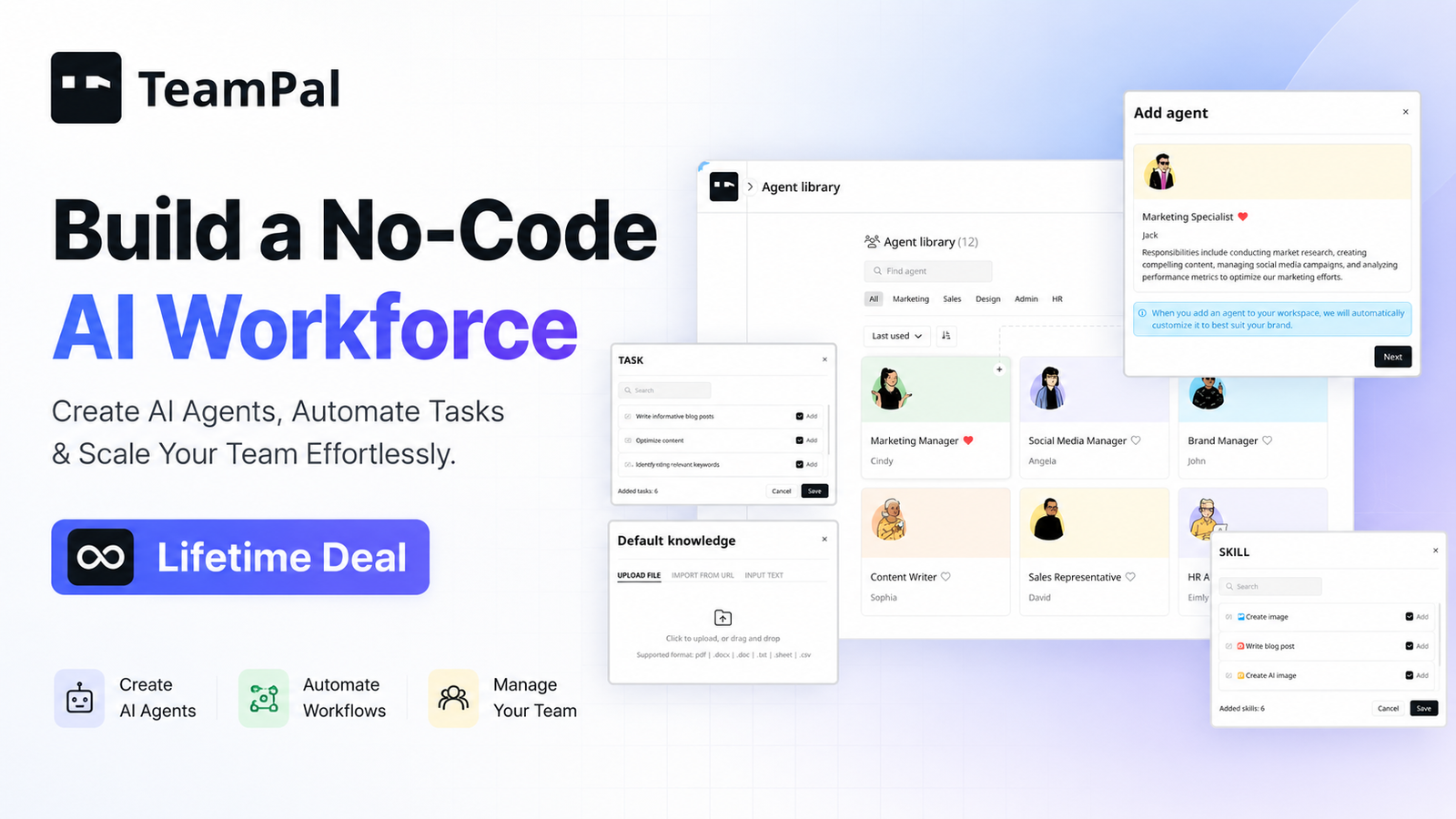
TeamPal Lifetime Deal: Build a No-Code AI Workforce
Build powerful AI agents without code and lock lifetime access today.
If your team is drowning in repetitive questions, manual handoffs, or slow internal responses, you’re not alone. I’ve seen founders, marketers, and support leads struggle to ship AI help that actually saves time. The TeamPal Lifetime Deal promises a shortcut: build helpful AI “teammates” that follow your rules, pull from your knowledge, and plug into your stack. Done right, that means faster support, smoother ops, and fewer busywork tickets. In this review, I share what TeamPal is, my hands-on experience, what shines, what needs work, and whether the TeamPal Lifetime Deal is worth grabbing on AppSumo before it’s gone.

What is TeamPal ?
TeamPal is an AI agent builder designed to help you create task-ready “AI teammates” without code. You define their role, goals, and rules. You connect your content or data. Then you deploy them across channels to handle support, drafting, research, and simple operations. The TeamPal Lifetime Deal on AppSumo gives you lifetime access to the plan you buy, so you can build and run agents with predictable, one-time pricing.

My Personal Experience & In-Depth Walkthrough:
For the last 48 hours, I set out to test how fast I could turn ideas into working AI agents with TeamPal. I aimed for a simple, useful workflow: a support-focused agent that answers FAQs, drafts replies, and flags edge cases for human review.
I started by redeeming the TeamPal Lifetime Deal through AppSumo. Account setup was quick. Inside the dashboard, I created my first agent and gave it a clear role and voice. I added instructions like “Ask clarifying questions when the user is vague” and “Cite the source when you reference policy.” This part felt intuitive and fast, which is a big pro.
Next, I connected a knowledge source. I fed the agent with a small set of help articles and some internal notes. The import process was smooth, and the agent recognized updates in minutes. Early answers were accurate and used the right tone. That’s a meaningful win because many AI tools stumble on tone.
Then I explored actions. I configured simple steps like “summarize a ticket,” “draft a reply,” and “hand off to a human when uncertain.” I liked how the flow stayed clean. I could test in a built-in chat and see where the agent felt sure or unsure. This transparency is a pro, especially for support teams.
I did hit a few bumps. While the agent was fast at drafting, it sometimes produced generic lines if my instructions were thin. That’s on me, but it highlights a con: you must write clear, tight rules for best results. I also wanted deeper, native integrations for more complex actions. You can work around that with webhooks or custom steps, but true one-click integrations would help less technical users.
Finally, I tried a small knowledge update. I swapped an outdated policy doc for a new one. The agent adjusted quickly and cited the right version in its reply. That gave me confidence to rely on it for routine questions.
Bottom line: I built a working agent in under an hour, and I could see it saving me time on day one. The TeamPal Lifetime Deal appeals because I get that time-saving upside without recurring costs.

What Makes It Stand Out / Key Features
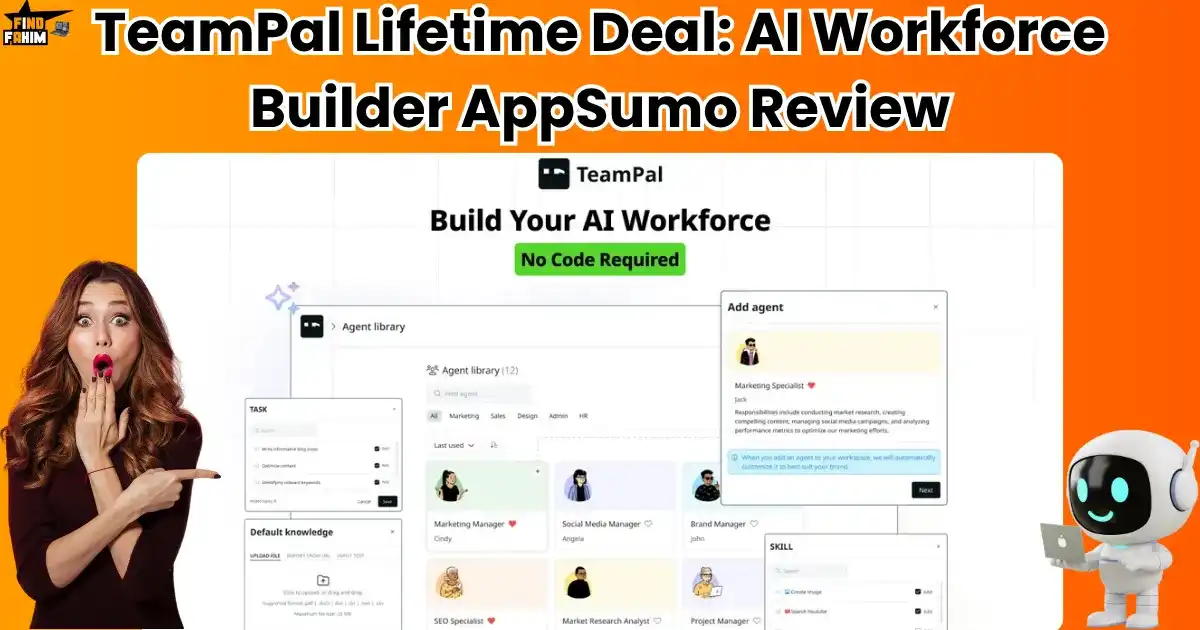
- No‑code agent builder: Define role, rules, voice, and goals in minutes.
- Knowledge grounding: Connect help docs, FAQs, and internal notes for factual answers.
- Multi-step actions: Draft replies, summarize, route, and hand off to a human when needed.
- Channel-ready deployment: Use the agent in internal chat or embed on your site.
- Guardrails and tone control: Set boundaries, style, and escalation triggers.
- Testing sandbox: Chat with the agent, inspect confidence, and refine prompts.
- Basic integrations and webhooks: Trigger simple workflows or connect to your stack.
- Analytics at-a-glance: See conversation trends and content gaps to improve coverage.
What I Like
- Setup is fast. I built a useful agent in less than an hour.
- Clear rules and tone control reduce generic AI answers.
- Knowledge updates reflect fast, so content stays fresh.
- Testing sandbox makes prompt tuning simple and safe.
- Hand-off logic avoids wrong answers on edge cases.
- One-time cost through the TeamPal Lifetime Deal keeps budgets predictable.
- Clean UI that keeps you focused on shipping, not fiddling.
- Useful for support, light ops, and content drafting right away.

What Can be improved
- More native, one-click integrations would help non-technical users.
- Responses can get generic if you do not provide strong instructions.
- I’d like deeper analytics filters for larger teams.

Pricing And Affordability
Below is a practical view of how AppSumo lifetime deals are usually structured. Pricing and limits can change. Always verify the live TeamPal Lifetime Deal page before you buy.
| Plan/Tier | Best for | Core inclusions | Typical limits | Current price |
|---|---|---|---|---|
| Tier 1 | Solo builders | 1 AI agent builder seat, basic deployment | Agent, chats, knowledge caps vary by tier | See live deal |
| Tier 2 | Small teams | More seats, higher knowledge and chat caps | Expanded usage and actions | See live deal |
| Tier 3 | Growing teams | Team seats, top limits, priority features | Highest caps and stacking options if offered | See live deal |
Notes:
- The TeamPal Lifetime Deal is a one-time purchase for lifetime access to the plan tier you select.
- AppSumo deals often include a 60‑day refund window. Confirm the current policy on the deal page.

Why should you buy TeamPal
If you need quick wins from AI without recurring fees, the TeamPal Lifetime Deal is a smart bet. It helps you ship useful agents fast. You get no‑code control, guardrails, and knowledge grounding that reduces AI guesswork. In my tests, I saw strong value for support, internal FAQs, and content drafting. The speed-to-value is real. The main trade-off is that advanced teams may want deeper integrations, but you can bridge gaps with webhooks for now. The upside is lasting: you build once, refine over time, and avoid monthly inflation. If you have repeat questions, SOPs, or simple workflows, the TeamPal Lifetime Deal can pay for itself quickly.
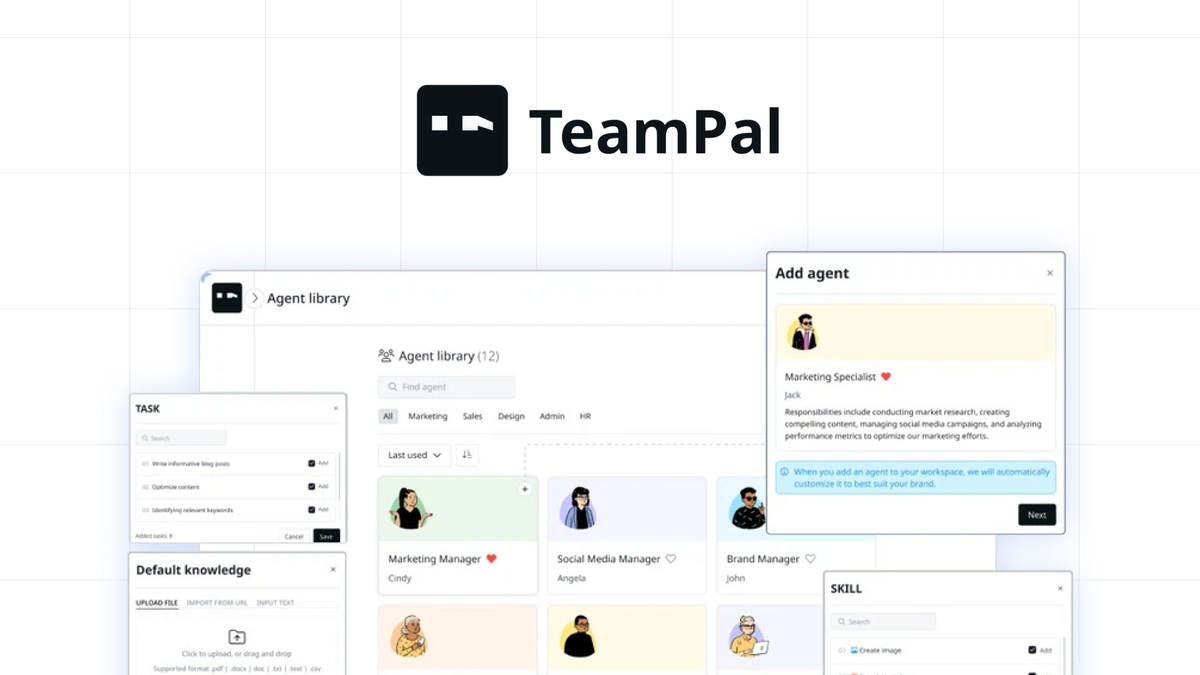
Lifetime Deal Overview of TeamPal
| Item | Detail |
|---|---|
| License type | Lifetime access to TeamPal for the purchased tier |
| Eligible users | One-time purchase per tier; stack or upgrade if the deal allows |
| Updates | Future updates to the listed plan (plan-bound) |
| Redemption | Activate within the window stated on the AppSumo page |
| Refund | AppSumo typically offers a 60‑day refund period; confirm live policy |
| Usage limits | Agent count, knowledge size, and chat caps vary by tier |
| Support | Standard or priority support based on tier |
| Transferability | Usually non-transferable; check deal terms |
Comparison With Competitors of TeamPal
| Product | Type | Hosting | No‑code agent builder | Knowledge grounding | Integrations | Pricing model | Best for |
|---|---|---|---|---|---|---|---|
| TeamPal | AI agent builder | Cloud | Yes | Yes | Basic + webhooks | Lifetime (AppSumo) | SMBs and teams starting fast |
| Flowise | Open-source builder | Self-hosted | Visual nodes | Yes (via connectors) | Broad via nodes | Free + self-host cost | Devs who want control |
| Botpress | Bot platform | Cloud/Self | Yes | Yes | Many | Subscription | Enterprise-grade chatbots |
| OpenAI GPTs | Hosted GPTs | Cloud | Template-based | Limited upload | Limited | Subscription | Individuals/prototype |
FAQ Of The TeamPal Lifetime Deal
How many agents can I create with the TeamPal Lifetime Deal?
This depends on the tier you buy on AppSumo. Each tier comes with its own limits on agents, knowledge size, and chat volume. Check the live deal page for exact numbers.
Can I ground agents with my own documents or URLs?
Yes. TeamPal is designed to use your content for more accurate answers. You can add instructions and connect knowledge so the agent cites your material.
Does TeamPal integrate with my tools?
TeamPal supports simple actions and webhooks today. You can trigger basic workflows or connect to your stack. For advanced native integrations, review the current list on the deal page.
Is there a refund policy on the TeamPal Lifetime Deal?
AppSumo typically offers a 60‑day refund window on lifetime deals. Always confirm the current refund policy on the live listing before purchase.
Who should buy the TeamPal Lifetime Deal?
Founders, support leads, marketers, and small teams who want fast, no‑code AI agents with predictable, one-time pricing. If you have repeat questions or SOPs, it’s a strong fit.
Conclusion
The TeamPal Lifetime Deal delivers real value if you want AI agents that help today and keep getting better as you refine rules and knowledge. I built a working support agent fast, saw strong tone control, and liked the transparent testing flow. It is not a full enterprise automation suite yet, but it covers the core jobs that save time right away. If recurring SaaS costs hold you back, TeamPal’s one-time lifetime access is a practical way to add AI “teammates” to your stack and scale at your pace.
3 Comments