
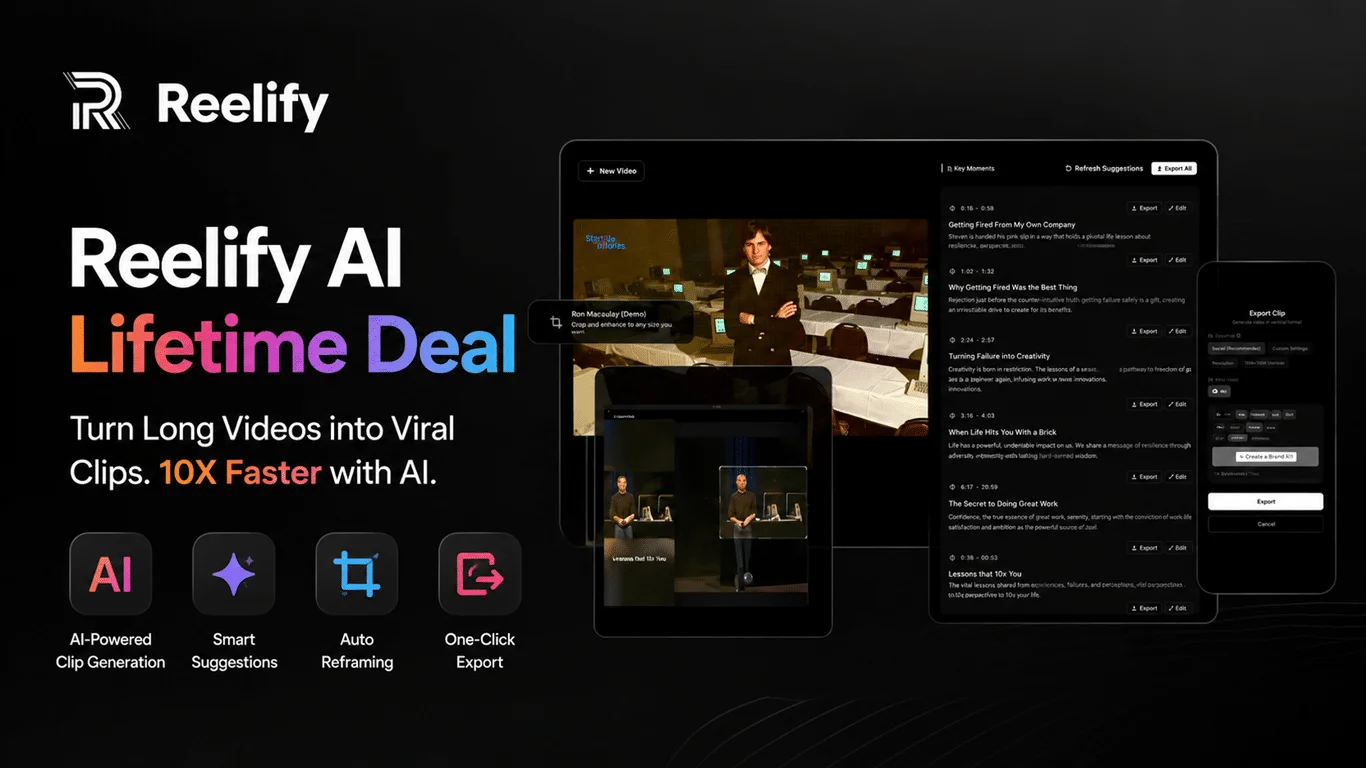
Reelify AI Lifetime Deal: Create Unlimited Viral Short Clips
A fast, creator-friendly AI tool that turns long videos into social-ready clips.
If you make long videos but struggle to publish steady Reels, Shorts, or TikToks, you are not alone. Editing eats your time. Finding hooks is hard. Captions and resizing add more work. That is where Reelify AI makes a real difference. It helps you clip the best parts, add captions that pop, and export to the right size for each platform. You keep your message. The tool speeds up the rest so you can post more, grow faster, and stay on brand.

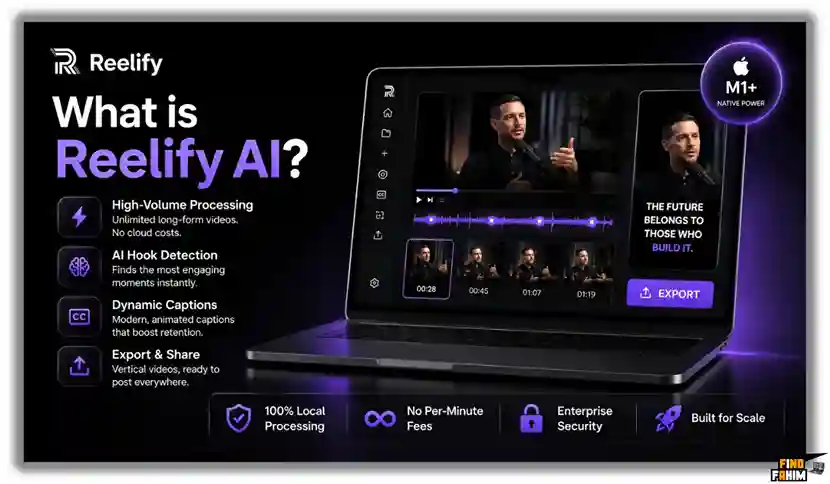
What is Reelify AI?
Reelify AI is an AI video editing and repurposing tool built for short-form content. It helps you turn long YouTube videos, podcasts, webinars, and talking-head clips into polished Reels, Shorts, and TikToks. It finds highlights, adds styled captions, reframes for vertical, and exports in a few clicks. The Reelify AI Lifetime Deal on AppSumo gives you lifetime access so you can scale content without a monthly bill.
My Personal Experience & In-Depth Walkthrough:
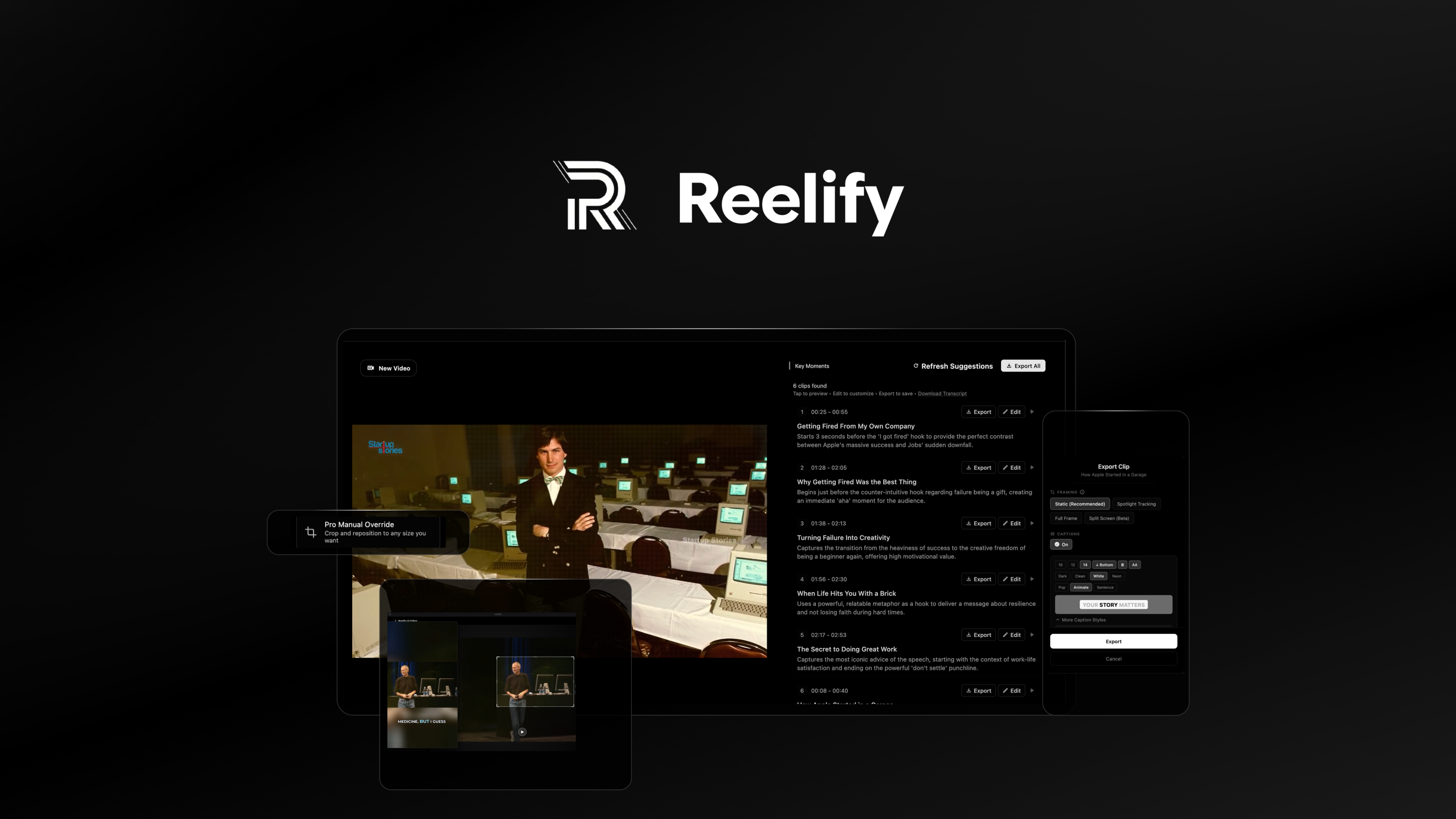
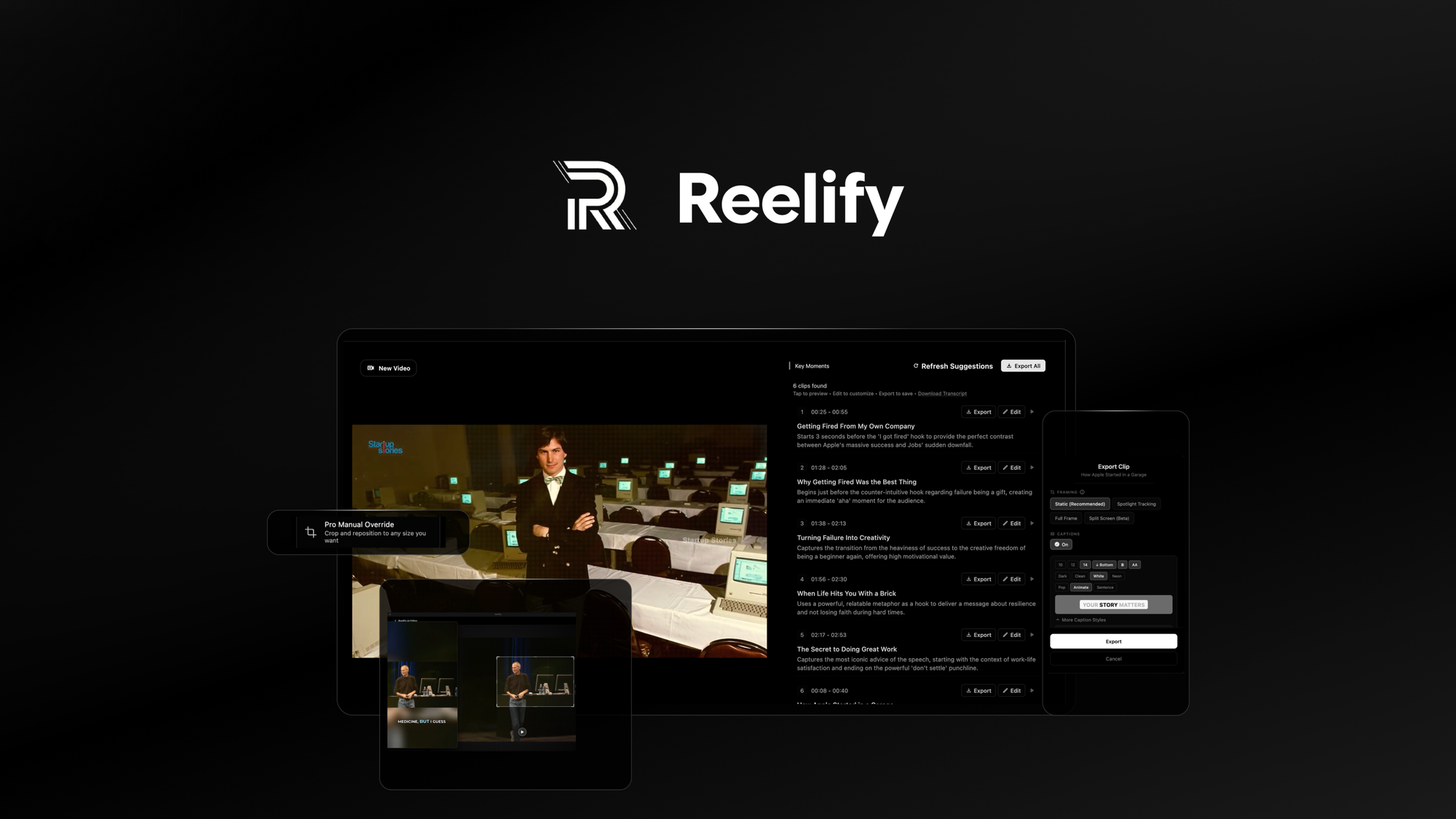
For the last 48 hours, I put Reelify AI through my full content workflow. I uploaded a 14-minute YouTube video and a 38-minute podcast. I wanted fast clips that felt native on TikTok and Instagram. The upload was smooth. I liked that I could paste a link or drag a file. The tool analyzed both videos in minutes and suggested multiple clip ideas with timestamps.
I began with the YouTube video. Reelify AI flagged three strong hooks from my intro and one mid-roll story. This was a big win because hook hunting is slow work for me. It auto-generated dynamic captions with color emphasis on key words. That saved me at least 20 minutes per clip. I was impressed by the pacing of the subtitles and the default style (big pro). I tweaked font weight and brand colors in a simple panel. The live preview felt snappy.
I switched to the podcast next. The tool detected speaker changes and framed faces well for vertical. Smart reframing kept the main speaker in view even during quick cuts. It was not perfect in one clip with fast hand moves (a minor con), but a drag-and-reframe fixed it in seconds. I trimmed silence with one toggle. That gave me a tight, scroll-stopping beat. I could then resize to 9:16, 1:1, and 16:9 without redoing the edit. That saved time and lowered friction across platforms.
Export settings were clear. I picked 1080×1920 for Reels and set a high bitrate. Rendering was fast for my tests. One con to note: the first draft of suggested titles felt a bit generic. I edited them to match my voice. Still, I would rather refine than write from scratch. Overall, Reelify AI removed many micro-steps. It let me focus on message and hook selection, which is the real value.

What Makes It Stand Out / Key Features
- AI highlight detection from long videos to short clips (Reels, Shorts, TikTok)
- Auto-captions with styles, color emphasis, and timing controls
- Smart reframing and aspect ratios (9:16, 1:1, 16:9) for each platform
- Templates and on-brand presets for quick, consistent output
- Silence trimming and pacing controls for scroll-friendly cuts
- Clip suggestions with hooks and timestamps for faster selection
- Simple timeline tweaks for fine control without a steep learning curve
- One-click exports with size and quality options for each network
What I Like
- It finds usable hooks fast, which cuts ideation time
- Captions look bold and readable right out of the box
- Reframing keeps faces centered for vertical formats
- Simple controls let me fix small issues in seconds
- Templates make posts look on-brand without heavy edits
- Exports are clean, with sensible defaults for social
- Lifetime access on AppSumo reduces ongoing costs
- Great for repurposing webinars, podcasts, and livestreams
What Can be improved
- AI titles can feel generic; plan to refine them
- Reframing can miss quick gestures in high-motion shots
- Peak hours may add short processing queues
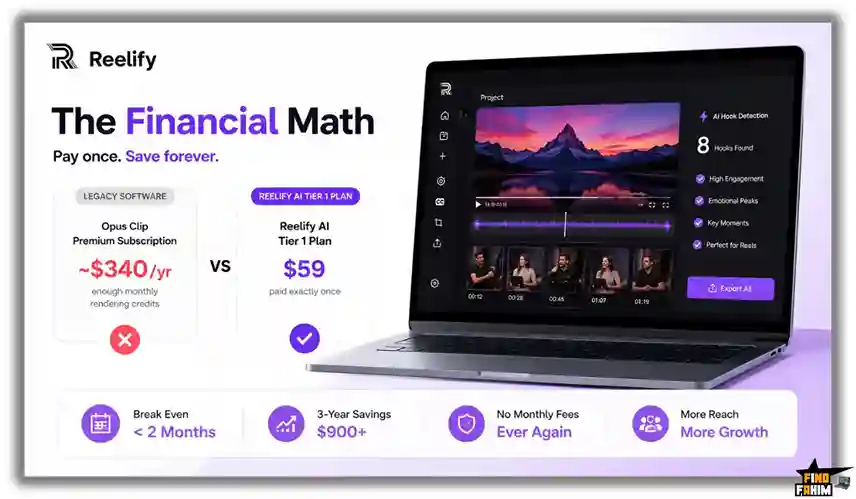
Pricing And Affordability
Below is a quick view of how the Reelify AI Lifetime Deal is structured on AppSumo. AppSumo pricing and limits can change, so confirm details on the live deal page before you buy.
| Plan/Tier | Best For | Core Features | Limits (video minutes/seats) | Current AppSumo Price |
|---|---|---|---|---|
| Tier 1 | Solo creators | AI clips, captions, reframing, templates | See deal page | See deal page |
| Tier 2 | Growing creators | All in Tier 1 + higher limits, brand features | See deal page | See deal page |
| Tier 3 | Agencies/teams | All in Tier 2 + team options and top limits | See deal page | See deal page |
Notes:
- Lifetime access to the plan you choose
- One-time payment via AppSumo
- 60-day money-back guarantee from AppSumo (try it risk-free)
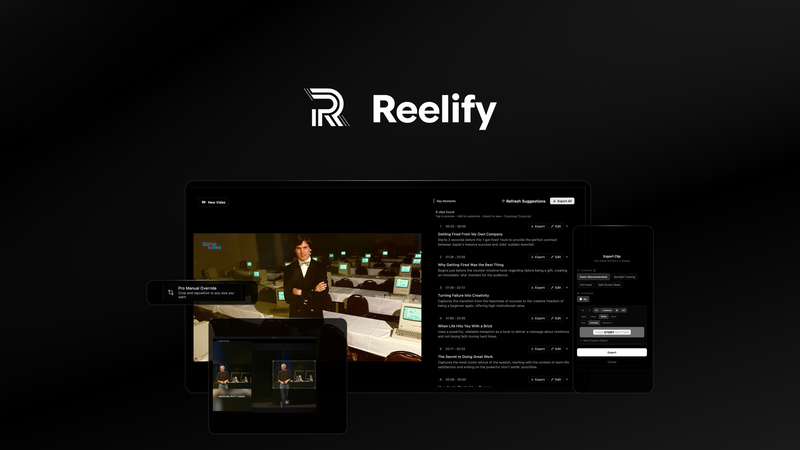
Why should you buy Reelify AI
If you post short-form videos, your time is better spent on message, not micro-edits. Reelify AI speeds up highlight discovery, captions, and reframing. That means more high-quality Reels, Shorts, and TikToks with less effort. The Reelify AI Lifetime Deal adds clear value because you avoid monthly fees while you scale output. From my tests, the tool is fast, the UI is clean, and the results look native on each platform. It is ideal for coaches, podcasters, YouTubers, and agencies who repurpose long videos. If you want to publish more often and stay on brand, Reelify AI is an easy win.

Lifetime Deal Overview of Reelify AI
| Item | Details |
|---|---|
| License Type | Lifetime access via AppSumo |
| Plan Updates | Future updates to the purchased plan level |
| Redemption | Redeem within the window listed on the deal page |
| Stacking | Code stacking depends on the live listing (check the deal page) |
| Refund Policy | 60-day money-back guarantee from AppSumo |
| Platform | Web-based AI video editor and repurposing tool |
| Best For | Reels, YouTube Shorts, TikTok, Instagram, LinkedIn, and Facebook clips |
| Typical Use Cases | Webinars to clips, podcasts to shorts, YouTube to Reels |
Comparison With Competitors of Reelify AI
| Aspect/Tool | Reelify AI (Lifetime Deal) | OpusClip | VEED.io | Munch |
|---|---|---|---|---|
| Pricing Model | One-time lifetime (AppSumo) | Subscription | Subscription | Subscription |
| AI Clip Detection | Yes | Yes | Yes | Yes |
| Auto-Captions | Yes | Yes | Yes | Yes |
| Smart Reframing | Yes | Yes | Yes | Yes |
| Templates/Branding | Yes (on-brand presets) | Yes | Yes | Yes |
| Team/Seats | Higher tiers focus on teams | Yes | Yes | Yes |
| Best For | Creators who want lifetime value | Viral-style clipping | Full online editor | Cross-platform repurposing |
| Learning Curve | Short | Short | Moderate | Short |
| Notable Edge | Lifetime cost savings | Virality scoring | Rich editing suite | Multi-platform insights |
FAQ Of The Reelify AI Lifetime Deal
Is Reelify AI good for YouTube Shorts, Reels, and TikTok?
Yes. Reelify AI is built to turn long videos into short clips for Shorts, Reels, and TikTok. It handles captions, vertical framing, and fast exports.
Can I edit the AI clips before exporting?
Yes. You can refine cuts, adjust captions, and nudge framing. The quick edits keep you in control of the final look.
Does Reelify AI support non-English audio?
It supports multiple languages for captions and detection in many cases. For exact language coverage, check the live deal page before you buy.
Will there be a watermark?
Exports from paid lifetime tiers are designed for clean, share-ready output. Check your selected plan on the deal page to confirm.
What if I hit my monthly limits?
Each tier includes specific limits. If you outgrow them, upgrade to a higher tier listed on the AppSumo deal.
Conclusion
Reelify AI helps you publish more short-form videos with less effort. It finds highlights, styles captions, and exports fast. In my tests, it saved real time and kept quality high. The Reelify AI Lifetime Deal is a smart buy if you want to scale content without a monthly bill. If you are a creator, coach, podcaster, or agency that repurposes long videos, this tool checks the right boxes.



One Comment