
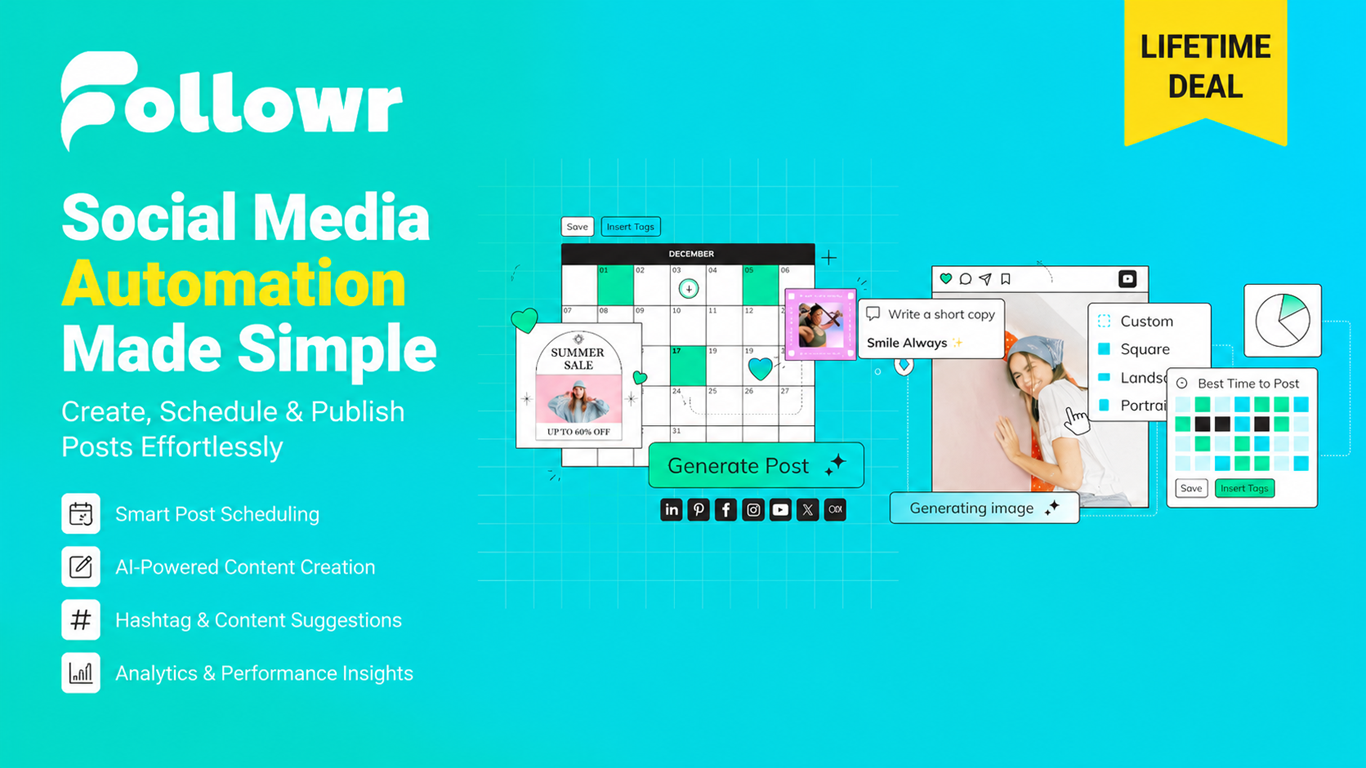
Followr Lifetime Deal: Automate Social Media Management Tool
Followr Lifetime Deal makes social media planning fast, simple, and budget-friendly.
If your social feeds feel random, slow, or stuck on “manual mode,” you are not alone. I’ve juggled spreadsheets, notes, and last‑minute captions too. That chaos hurts reach and eats time you could spend on your business. The Followr Lifetime Deal promises a calmer way to plan, write, and schedule posts across platforms, without the monthly bill. It blends an AI writer, a clean content calendar, and ready-to-post scheduling so you get more done with less stress. In this review, I share exactly how Followr performed for me, where it shines, and what still needs work—so you can decide if this is the right social media tool to lock in for life.

What is Followr?
Followr is a social media content planner, AI caption generator, and scheduler built to help creators, freelancers, and teams post consistently across networks like Instagram, Facebook, LinkedIn, X (Twitter), TikTok, and more. The Followr Lifetime Deal on AppSumo gives you one-time access to an AI-driven workflow for ideation, captions, hashtags, content calendar, approvals, and analytics—so you can plan smarter, publish on time, and grow without a recurring subscription.
My Personal Experience & In-Depth Walkthrough:
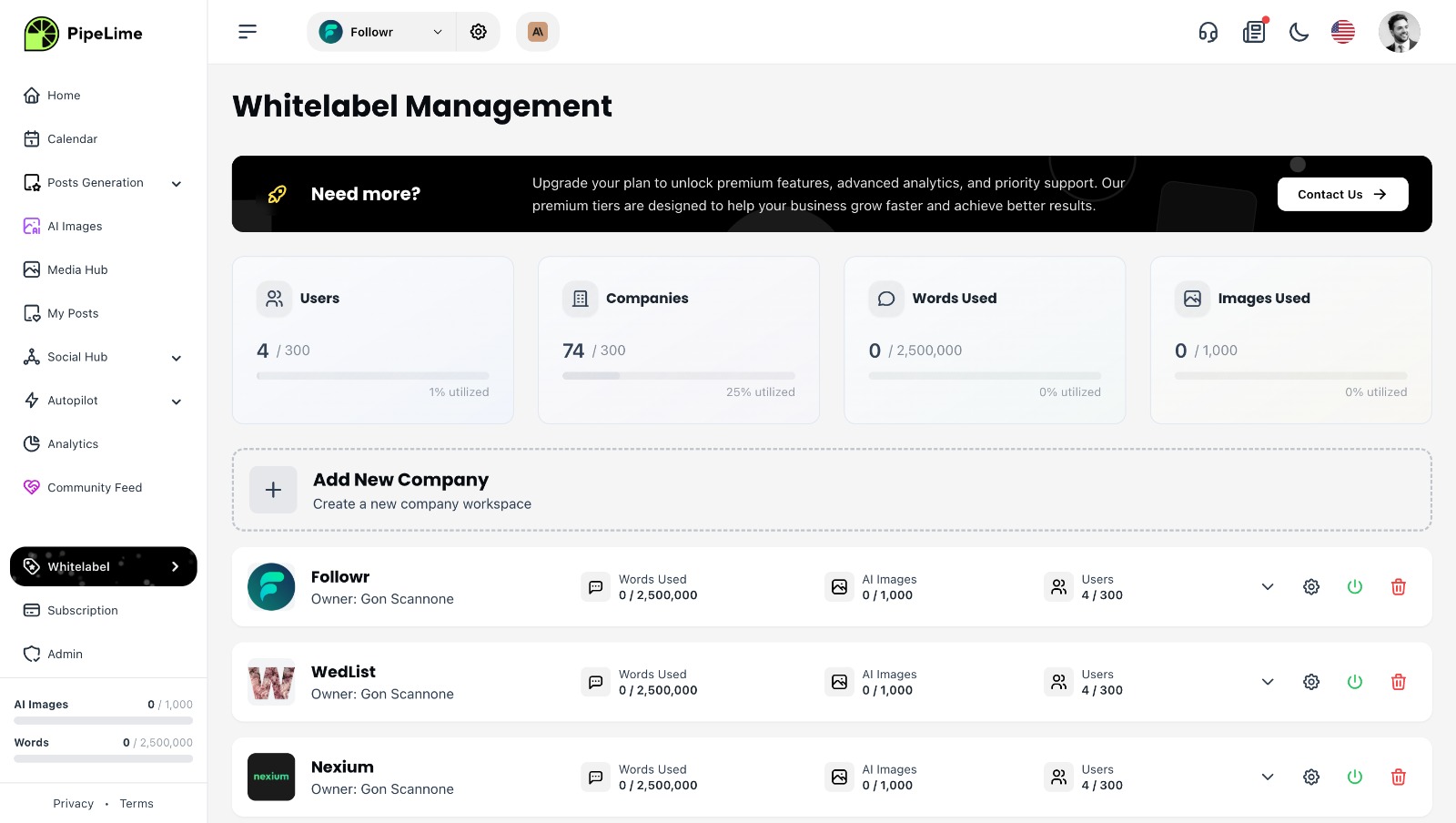
For the last 72 hours, I’ve run my client content through Followr to see if the Followr Lifetime Deal can replace my usual stack. Setup was quick. I created a workspace, connected Instagram, LinkedIn, and X, and the tool pulled my brand name and tone. In minutes, I was testing the AI idea generator. It produced week-long content themes that matched my niche, which felt like a big time-saver. I was impressed by how fast Followr drafted platform-ready captions (huge pro). When I pushed a few longer posts, some lines felt generic until I fed it brand phrases and format cues (a minor con you should expect with any AI).
Draft to schedule was smooth. I dropped captions onto the calendar, toggled platforms, and set best times. The multi-platform editor let me tailor text per channel in one view—a massive win for speed. Hashtag suggestions were relevant, and I like the option to save hashtag sets. Image handling worked as expected: I attached brand images and reels, then previewed post layouts. I wish Followr had deeper in-app image editing like quick crop presets for Reels and Shorts (room to improve).
On day two, I tried the approval workflow with a client. They left comments right on the post draft. It cut my back-and-forth emails in half (clear pro). The analytics view gave me a handy snapshot: posts published, engagement trends, and top performers. It won’t beat a heavy enterprise suite, but for day-to-day checks, it’s clean and useful. The UI stayed fast even with a dozen scheduled posts. I only hit a brief hiccup reconnecting one account after a token expired (common with social tools, but still a small annoyance).
By day three, I had a full week scheduled in under an hour. That’s where the Followr Lifetime Deal pays off—speed to plan, fewer clicks, and no monthly burn. If you rely on deep reporting or very advanced team roles, you might want more. But for solo creators, agencies, and small teams, Followr hits the sweet spot of features, price, and ease.
What Makes It Stand Out / Key Features
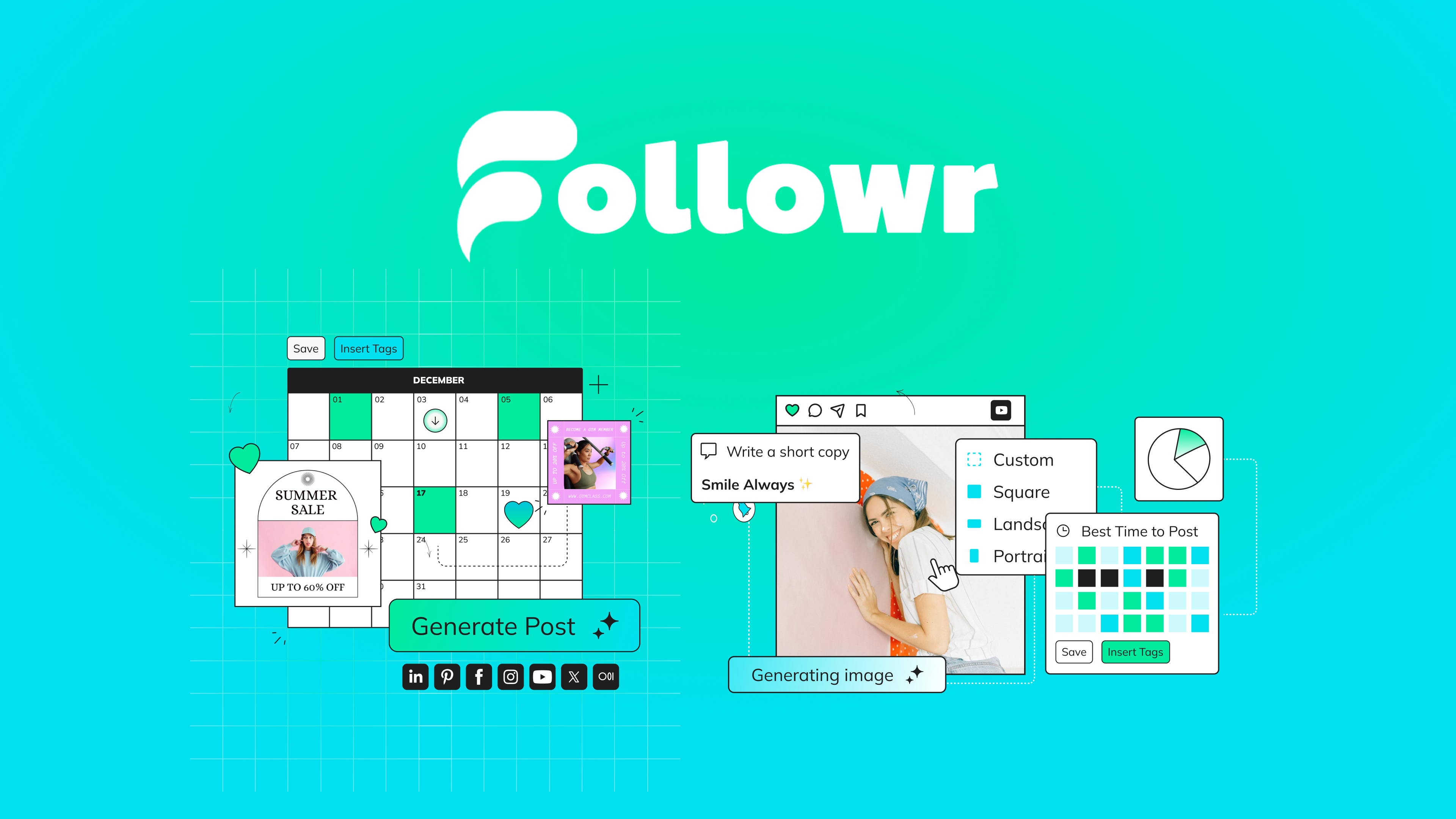
- AI content ideas and captions tailored to your niche and tone
- Unified content calendar with drag‑and‑drop scheduling across platforms
- Per‑platform editing to customize copy and hashtags in one view
- Hashtag recommendations plus reusable hashtag sets
- Media library support for images and short videos
- Post approvals and commenting for clients and teammates
- Queue automation and best‑time scheduling options
- Lightweight analytics for performance trends and top posts
- Bulk scheduling and templated content themes
- Workspace/brand separation to keep clients organized

What I Like
- The AI ideas are on-topic fast, which jump-starts planning
- Per‑platform editing saves real time vs. copy/paste between tools
- Simple calendar view keeps your week clear at a glance
- Approval comments reduce email ping‑pong with clients
- Hashtag sets help keep posts consistent and on-brand
- Clean interface; I never felt lost or overloaded by options
- Reliable scheduling with quick previews and easy edits
- Strong value in a one-time price instead of monthly fees
What Can be improved
- AI drafts can feel generic until you add brand examples and style cues
- Image/video editing is basic; more format presets would help
- Occasional account re-auth prompts can break flow during batch scheduling

Pricing And Affordability
Below are the current tiers for the Followr Lifetime Deal on AppSumo. Pricing and limits can change, so confirm on the deal page before you buy.
| Plan (Lifetime) | Ideal For | Social Profiles | Workspaces/Brands | Users | AI Credits/mo | Scheduling/Calendar | Analytics | Support |
|---|---|---|---|---|---|---|---|---|
| Tier 1 – $49 | Solo creators | Up to 5 | 1 | 1 | 500 | Included | Basic | Standard |
| Tier 2 – $99 | Freelancers/Small teams | Up to 15 | 3 | 3 | 2,000 | Included | Enhanced | Priority queue |
| Tier 3 – $149 | Agencies/Growing teams | Up to 30 | 10 | 10 | 5,000 | Included | Advanced | Priority support |
Note: All tiers include updates to the plan you purchase, a 60‑day refund window via AppSumo, and core features like AI captions, the content calendar, and scheduling.
Why should you buy Followr
If you post across multiple platforms and want a faster way to plan, write, and schedule—without yet another subscription—the Followr Lifetime Deal is a smart buy. It gives you AI help where it matters (ideas, captions, hashtags) and wraps it in a clear calendar, simple approvals, and light analytics. I built a full week of content in under an hour, and I kept quality high by feeding the AI my brand language. That balance of speed and control is the win. If you are a creator, freelancer, or agency that values time, predictable costs, and clean workflows, Followr offers strong ROI from day one and scales as you add clients or profiles.
Lifetime Deal Overview of Followr
| Item | Details |
|---|---|
| Deal Type | Followr Lifetime Deal on AppSumo |
| License Tiers | Tier 1, Tier 2, Tier 3 |
| Redemption | Activate within the AppSumo redemption window |
| Plan Updates | Includes future updates to the purchased plan |
| Refund Policy | 60‑day AppSumo money‑back guarantee |
| Core Features | AI ideas/captions, scheduling calendar, hashtag sets, approvals, analytics |
| Best For | Creators, freelancers, small agencies |
| Notable Limits | Profiles, users, AI credits vary by tier |
Comparison With Competitors of Followr
| Tool | Pricing Model | Lifetime Deal | AI Writing | Profiles (Entry) | Best For | Standout Note |
|---|---|---|---|---|---|---|
| Followr | One-time (AppSumo) | Yes | Yes | 5 (Tier 1) | Creators, freelancers, agencies | Budget-friendly lifetime with AI + calendar |
| Buffer | Monthly/Annual | No | Limited | 3 | Solo to SMB | Polished UX, strong reliability |
| Publer | Monthly/Annual | Sometimes | Yes | 3 | SMBs, content teams | Solid media tools and bulk workflows |
| SocialBee | Monthly/Annual | No | Yes | 5 | Evergreen content planners | Category recycling and content buckets |
| Metricool | Monthly/Annual | No | Limited | 5 | Data-focused marketers | Deeper analytics and ad tracking |
FAQ Of The Followr Lifetime Deal
Is Followr good for beginners?
Yes. The Followr Lifetime Deal is easy to learn. The calendar, AI ideas, and per‑platform editor keep steps simple. You can start posting in minutes.
Which platforms does Followr support?
Followr focuses on major networks like Instagram, Facebook, LinkedIn, X (Twitter), and TikTok. Platform availability can change, so check the deal page for the most current list.
Can I customize AI captions to match my brand voice?
Yes. Add sample posts, tone notes, and keywords. I got much better results after I fed brand phrases and structure hints.
Does Followr have client approvals?
Yes. You can invite a client or teammate to comment and approve drafts inside the calendar. This reduced my email back-and-forth.
What happens after I buy the Followr Lifetime Deal?
You redeem your code(s) on AppSumo, activate your plan in Followr, connect social profiles, and start scheduling. You also get AppSumo’s 60‑day refund window for peace of mind.
Conclusion
The Followr Lifetime Deal gives you a clean calendar, fast AI help, and smooth scheduling at a one-time price. In my tests, I planned a full content week faster than usual, kept posts on-brand, and simplified client approvals. Followr won’t replace heavy enterprise analytics, but for creators, freelancers, and lean teams, it lands right where it should: powerful enough to matter, simple enough to love, and priced to keep forever. If you want a reliable social media workflow without monthly fees, Followr is an easy recommendation.

8 Comments