
TidyCal Lifetime Deal: Best Scheduling App Offer 2026
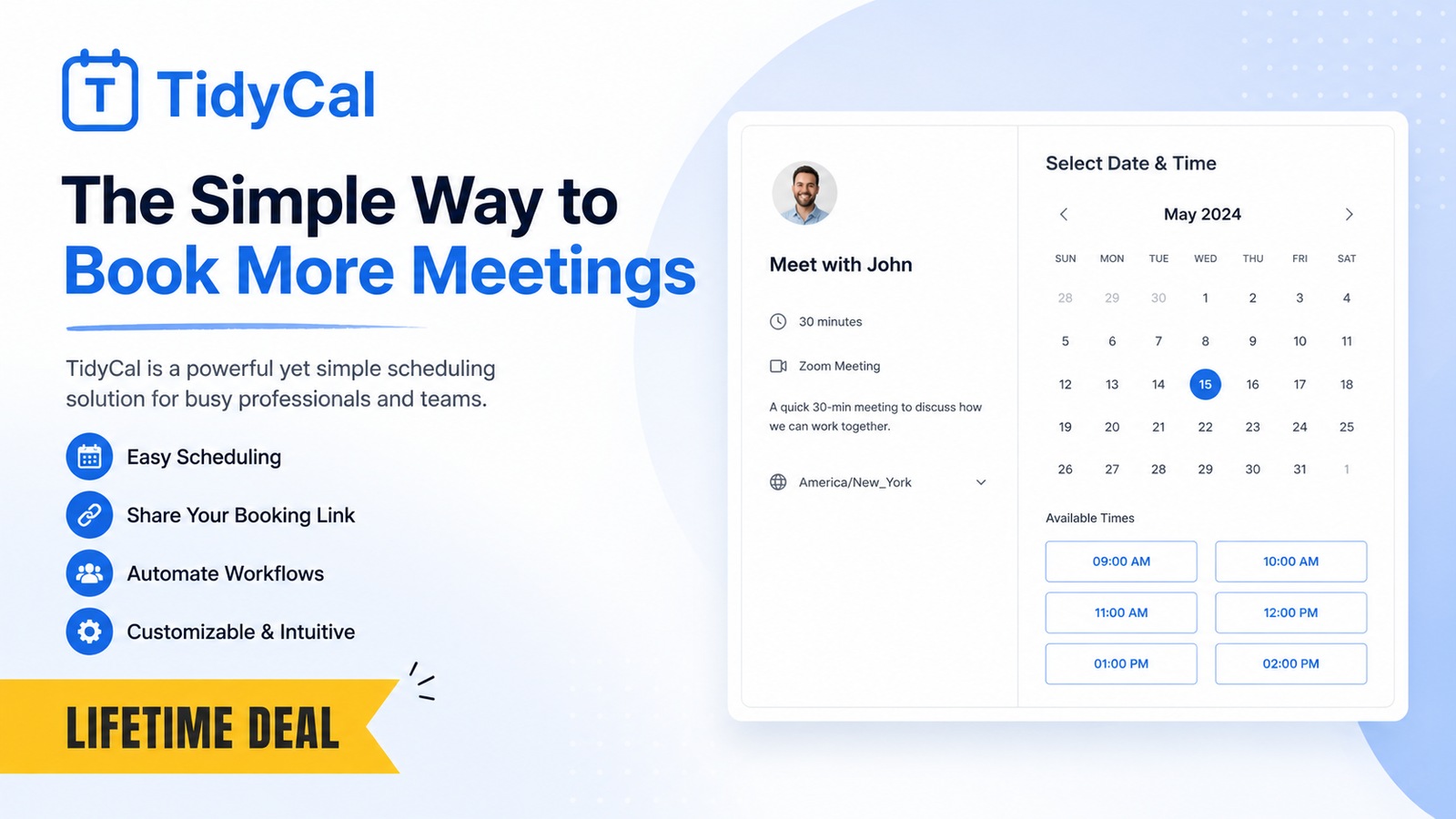
TidyCal Lifetime Deal gives simple, affordable scheduling with lifetime pro features, forever.
You send five emails to book one call. Time zones clash. Prospects drop off. Money meetings slip to “next week.” If that sounds familiar, you need a cleaner way to get on someone’s calendar. The TidyCal Lifetime Deal promises a fast, low-cost fix. It cuts the back-and-forth, takes payments, and shares your open times in seconds. In this review, I tested it, poked at the edges, and compared it to big names. Here is my honest take on whether the TidyCal Lifetime Deal is the best budget-friendly scheduler in 2026.

What is TidyCal?
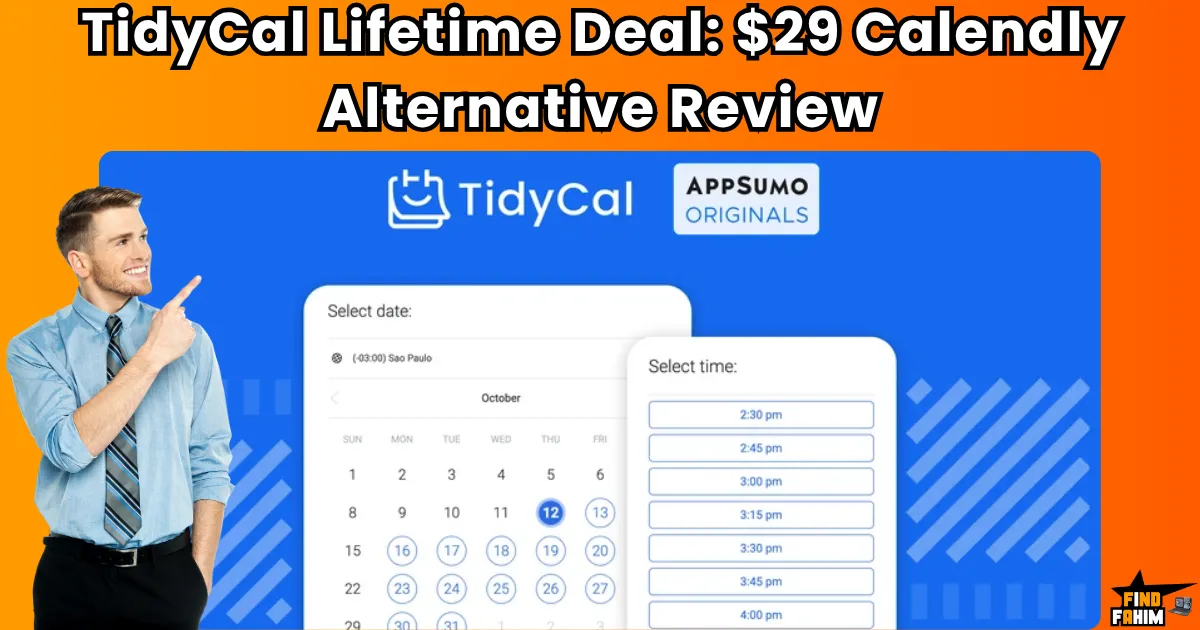
TidyCal is a calendar and scheduling tool that helps you book meetings without email ping-pong. It connects to your calendars, shows your free time, and lets people book you through a clean page. The TidyCal Lifetime Deal on AppSumo gives you pro features for a one-time price. You can set buffers, ask intake questions, take paid bookings, and add video links, all with simple clicks.
My Personal Experience & In-Depth Walkthrough:
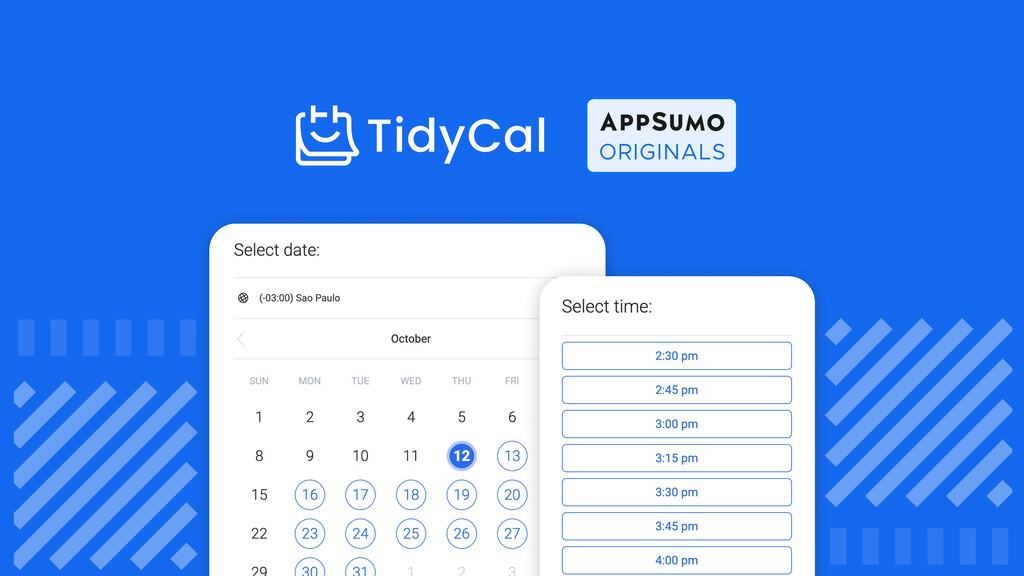
For the last 48 hours, I set up the TidyCal Lifetime Deal and ran it through a real workflow. I signed up, connected Google Calendar and Microsoft 365 in under two minutes, and TidyCal auto-detected my time zone. That smooth start set the tone. I made two event types: a 15-minute intro and a 45-minute strategy session. Adding buffers and daily limits was simple. This is a big plus because it protects my focus blocks.
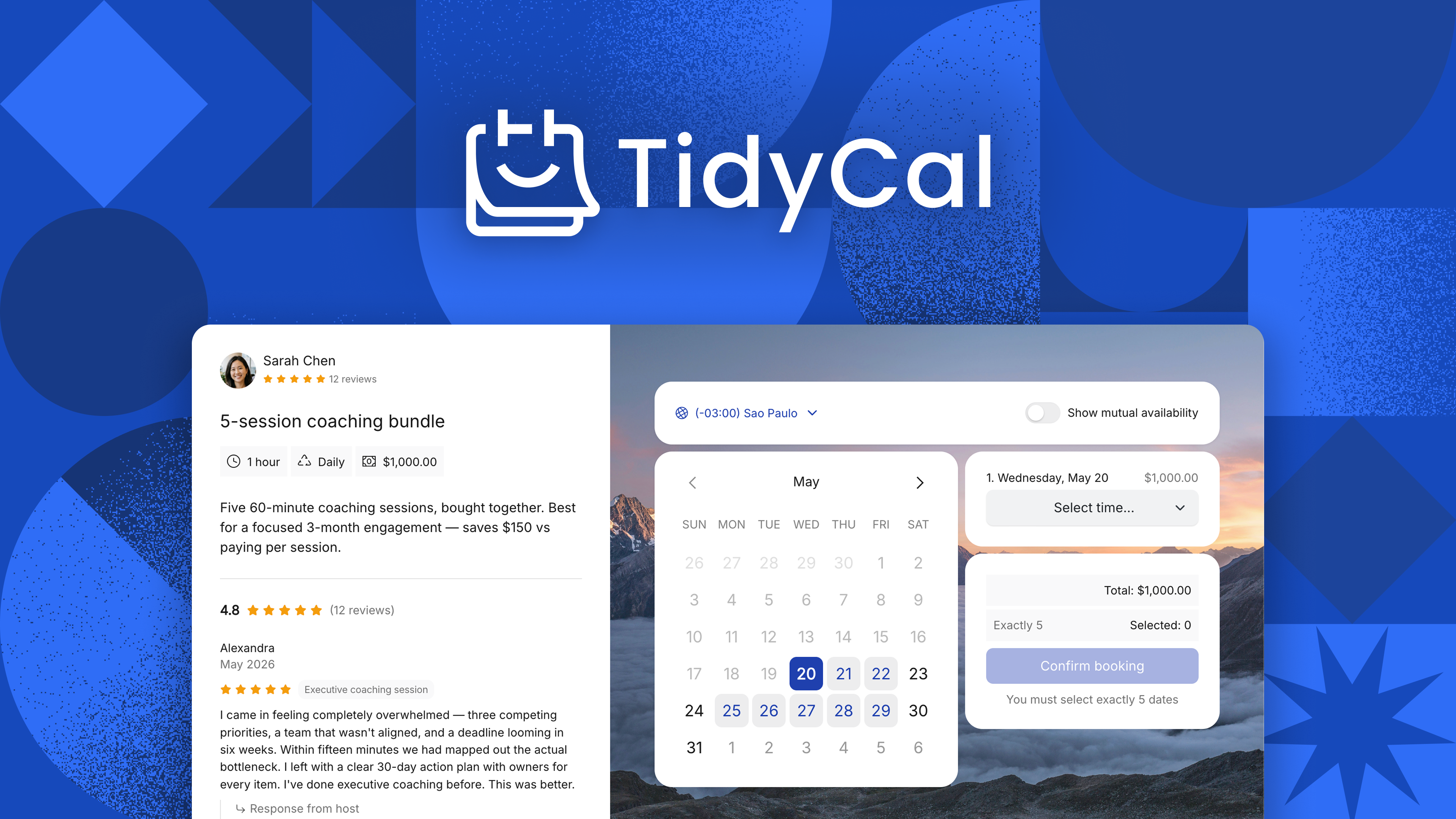
I then turned on payments for the strategy session. Stripe linked in a minute. I liked that I could make it optional or required. That helps filter non-serious bookings, which is a win. I added custom intake questions, kept them short, and tested reschedule and cancel flows. Emails went out fast, and the links worked on desktop and mobile. I also tried embedding my booking page on a test site. The widget loaded fast and did not break layout, which is another plus.
I was impressed by how neat the UI feels. The booking page is clean and shows only what matters. That is a huge pro if you want conversions. I also liked the simple video options; I could add a Zoom or Meet link without fuss. A small con: branding controls feel modest. I could change colors and text, but deep theme edits were limited. Another drawback is advanced routing. If you need complex round-robin logic or lead routing by rules, TidyCal is more basic than premium rivals. Still, for the price of the TidyCal Lifetime Deal, the core is strong. I shared my link with two clients in different time zones. Both booked on the first try. No “does this time work?” emails. That is the result I wanted.

What Makes It Stand Out / Key Features
- Clean booking pages that reduce friction and boost conversions
- Connect multiple calendars (Google, Microsoft 365, and standard ICS/CalDAV options)
- One-on-one and group availability, with buffers, limits, and time-zone auto-detect
- Built-in payments via Stripe and PayPal for paid sessions
- Custom intake questions, confirmations, and reminder emails
- Fast embeds and shareable links for websites, email, and socials
- Video conferencing links (like Zoom or Google Meet) added to events
- Basic team scheduling options suitable for small teams
- Simple integrations path via webhooks and popular automation tools
What I Like
- Fast, simple setup that anyone can do in minutes
- The TidyCal Lifetime Deal value is outstanding for solo pros and small teams
- Clean UI that leads users to book without confusion
- Payments and bookings in one tool reduce tool sprawl
- Smart time-zone handling prevents mix-ups
- Custom questions collect context before the call
- Reliable email reminders cut no-shows
- Embeds and public links work well on mobile and desktop
- Low learning curve compared to complex enterprise tools

What Can be improved
- Limited deep branding and design control on booking pages
- Fewer advanced routing rules than high-end alternatives
- Smaller native integration list; some use cases need automation tools

Pricing And Affordability
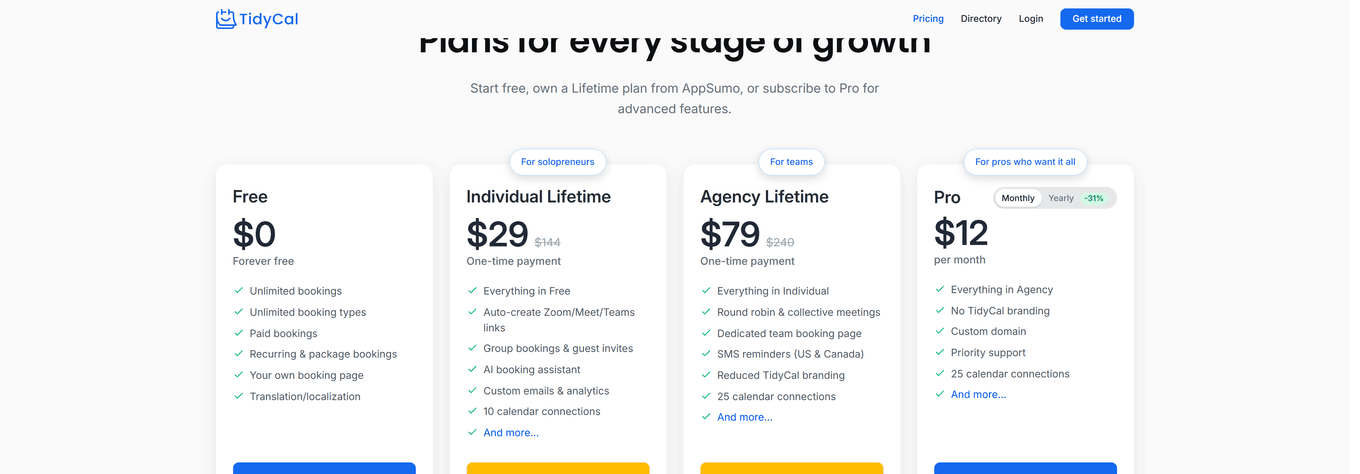
Below is a simple view of current plan types. The TidyCal Lifetime Deal pricing can change, so always check the live page before you buy.
| Plan | Price | Best For | Key Notes |
|---|---|---|---|
| Free | $0 | Testing and simple, personal booking | Basic events and calendar connect; limited customization |
| Lifetime Deal (License Tier 1) | $29 one-time (as of review) | Solo pros/freelancers | Full pro features for one user; lifetime access and updates to the plan |
| Lifetime Deal (Team Tiers) | Varies (one-time) | Small teams | More seats in higher tiers; stackable licenses; see deal page for current tiers |
Note: Pricing last verified during this review window; terms may update. The TidyCal Lifetime Deal often includes a 60-day refund window via the marketplace.

Why should you buy TidyCal
If you want a no-drama scheduler that pays for itself fast, the TidyCal Lifetime Deal is hard to beat. You get core features that matter: clean booking links, strong time-zone support, custom questions, reminders, and payments. Setup is quick. The UI is friendly. It replaces a monthly fee with a one-time purchase, which compounds savings over time. I checked the live deal page, the help docs, and recent feature notes. The offer is stable, and updates keep coming. If you run coaching calls, paid consults, discovery sessions, podcasts, or client onboarding, this is a safe pick. You remove friction, save hours each month, and stop losing leads to back-and-forth emails.
Lifetime Deal Overview of TidyCal
| Term | Detail |
|---|---|
| Access | Lifetime access to TidyCal on the AppSumo plan |
| Updates | All future updates to the AppSumo plan included |
| Redemption | Activate within the deal window shown on the page |
| Refund Policy | 60-day money-back guarantee via the marketplace |
| License Management | Stack/upgrade to add more seats (see live tiers) |
| Use Cases | Solo pros, agencies, coaches, consultants, startups |
| Support | Knowledge base, email support, and product updates |
Comparison With Competitors of TidyCal
| Feature/Tool | TidyCal Lifetime Deal | Calendly | SavvyCal | Cal.com |
|---|---|---|---|---|
| Pricing Model | One-time (lifetime) | Monthly/annual | Monthly/annual | Free/self-host + paid cloud |
| Payments | Stripe, PayPal | Paid tiers only | Paid tiers only | Via plugins/integrations |
| Time-Zone Handling | Included | Included | Included | Included |
| Team Scheduling | Basic options | Strong in higher tiers | Strong with overlays | Flexible with plugins |
| Branding Control | Basic | Moderate (paid) | Strong | Strong (dev heavy) |
| Integrations | Core + automation tools | Large ecosystem | Large ecosystem | Very flexible (technical) |
| Best For | Simple, affordable scheduling | Corporate teams | Premium UX and polls | Technical users and dev teams |
FAQ Of The TidyCal Lifetime Deal
How does the TidyCal Lifetime Deal work?
You pay once and get lifetime access to the features included in the AppSumo plan. You can add more seats by upgrading to higher tiers if the deal allows it.
Can I take paid bookings with TidyCal?
Yes. You can connect Stripe or PayPal to charge for sessions during booking. This is useful for coaching, audits, or paid strategy calls.
Does TidyCal handle time zones automatically?
Yes. TidyCal detects time zones and shows the right time to your invitee. This cuts confusion and missed calls.
Can I embed my TidyCal booking page on my website?
Yes. You can embed it on a page or share a public link. The widget loads fast and works on mobile.
What if the TidyCal Lifetime Deal changes?
Lifetime deals can change. Features and tiers may update. Always review the live deal page before you buy. The marketplace usually offers a 60-day refund window.
Conclusion
The TidyCal Lifetime Deal delivers real value. It books more meetings with less friction. It handles time zones, reminders, and payments, then gets out of your way. If you want a clean, fast, and low-cost scheduler that you can set and forget, this is a smart buy. It may lack deep routing and heavy branding, but for most solo pros and small teams, it hits the sweet spot. I recommend TidyCal if you want results today and savings that last.



One Comment