Unmixr AI Lifetime Deal: AI Text-to-Speech & Dubbing Tool
Unmixr AI Lifetime Deal delivers fast, natural AI dubbing and multilingual video audio.
Your video is getting views, but not in the language your audience speaks. You try manual subtitles, but they take hours and still hurt retention. Native voiceover? It’s pricey and slow. This is where the Unmixr AI Lifetime Deal steps in. It turns your existing videos into localized versions with AI voices, synced lips, and smart translation. You upload, pick a language and voice, tweak a few lines, and export. The result sounds human, saves time, and helps scale content across markets without hiring a studio for each update.

What is Unmixr AI?
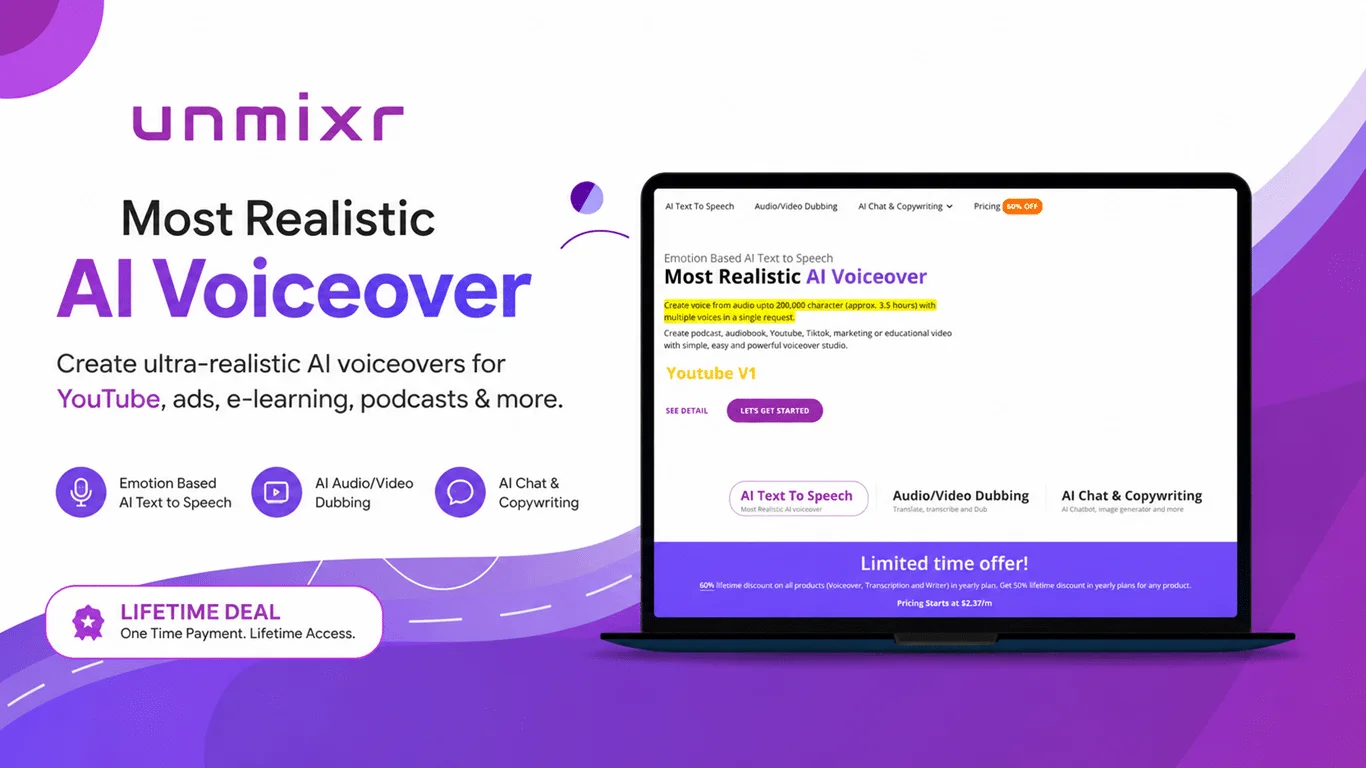
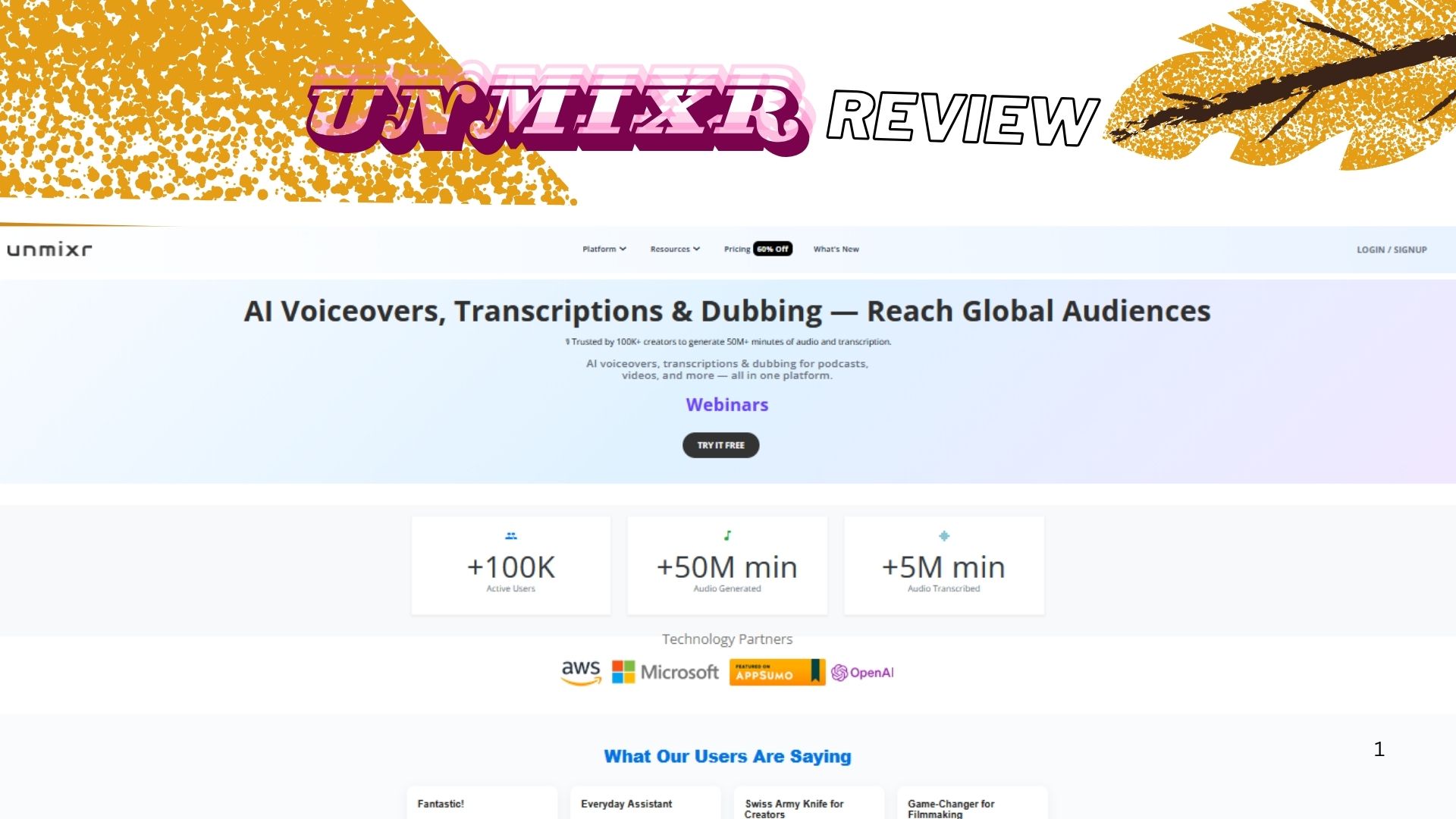
Unmixr AI is an AI-powered audio and video dubbing platform built to translate, voice, and lip-sync your videos into many languages. It combines neural text-to-speech, translation, and voice cloning to deliver clear, natural-sounding dubs. The Unmixr AI Lifetime Deal gives you one-time access to a toolkit for creators, marketers, educators, and agencies who need fast, reliable localization without complex timelines or high costs.
My Personal Experience & In-Depth Walkthrough:
For the last 48 hours, I put Unmixr AI through a real workflow. I tested a five-minute explainer, a YouTube short, and a talking-head webinar clip. I wanted to see speed, voice quality, and how close the lip-sync felt on camera.
I started by uploading the video file. The interface is clean, with a clear “Dub Video” path. I chose Spanish and German for the first pass. Unmixr AI auto-detected the speaker and generated a transcript. This saved me time and cut the chance of timing drift. I was impressed by how fast the translation draft appeared (a big plus when you batch work). I could edit the translated script line by line. This is handy for brand words and tone.
Next, I tested voices. The default voices sounded natural, not robotic. Some male voices carried warmth. Female voices had good clarity. On my second test, I tried voice cloning from a 60-second clean voice sample. The result matched my tone well. It was not 100% perfect on sibilants, but it felt close and very usable. That’s a strong edge for creator-led channels.
Lip-sync was solid on the explainer with slides. On tight close-ups, it was good but not frame-perfect. It will not beat a studio with a human actor, but for scale and speed, it’s more than fine. Background noise handling worked well on my webinar clip. It softened fan noise without dulling the voice much.
Export options were simple. I could burn subtitles or export separate audio. I liked the batch export queue. It saved me clicks when I localized several shorts. The main con I hit: heavy files took time to process during peak hours. Queue times rose a bit. Also, some niche terms translated too literally. I had to tweak a few lines to match industry slang.
Overall, Unmixr AI felt fast, clear, and practical. It cut hours off my normal localization process. It is not a full post house, but it nails 80–90% of use cases at a fraction of the cost.

What Makes It Stand Out / Key Features
- Multilingual AI dubbing with natural neural voices and smart lip-sync
- Voice cloning from short samples for brand and creator consistency
- Auto transcription and translation with line-by-line editing
- Subtitle generation and burn-in, plus SRT/VTT export
- Noise reduction and audio cleanup for clearer speech
- Batch processing for shorts, reels, and course modules at scale
- Speaker detection and timing alignment to keep cuts clean
- Simple web interface with guided steps from upload to export
What I Like
- Very fast first draft dubs that sound natural
- Voice cloning keeps my tone across languages
- Easy script editing to fix brand terms and slang
- Exports for both burned subs and separate audio tracks
- Batch workflow saves time on multi-language sets
- Clear UI that lowers the learning curve
- Solid noise cleanup for live-recorded clips
- Great value via the Unmixr AI Lifetime Deal

What Can be improved
- Peak-hour processing can slow on very large files
- Lip-sync on extreme close-ups is good, not perfect
- Some niche jargon needs manual translation tweaks
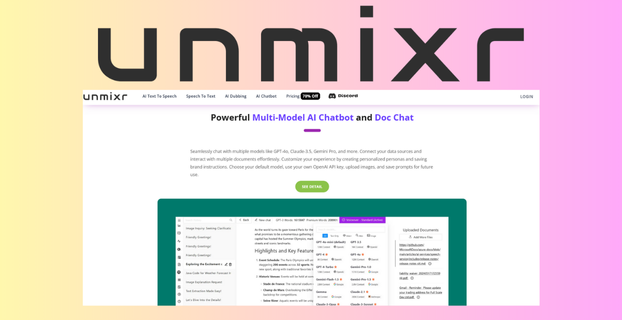
Pricing And Affordability
Below is a quick view of the Unmixr AI Lifetime Deal tiers on AppSumo. Prices and limits can change. Click “See live deal” to confirm the latest offer.
| License Tier | Ideal For | Core Limits (Typical) | Current Price |
|---|---|---|---|
| Tier 1 | Solo creators, freelancers | Entry minutes/month, standard voices, 1 seat | See live deal |
| Tier 2 | Growing channels, teams | More minutes/month, more voices, 2–3 seats | See live deal |
| Tier 3 | Agencies, course sellers | High minutes/month, voice cloning, 5+ seats | See live deal |

Why should you buy Unmixr AI
If you create videos and want fast growth in new markets, the Unmixr AI Lifetime Deal pays off. Unmixr AI turns one video into many language-ready versions with strong voice quality and clear lip-sync. I saved hours on every deliverable and kept my brand tone by using voice cloning. The editor made it easy to fix brand words and timing. For creators, coaches, and agencies, this replaces costly per-video voiceover. You also avoid monthly fees that stack up. If you post shorts, webinars, or course content, Unmixr AI will help you scale global reach with less effort and cost.

Lifetime Deal Overview of Unmixr AI
| Item | Details |
|---|---|
| Deal Platform | AppSumo |
| Deal Type | Unmixr AI Lifetime Deal (one-time payment) |
| Access | Lifetime access to the plan you purchase |
| Future Updates | Updates to the plan/tier you buy (per the deal terms) |
| Redemption | Redeem within the window stated on the deal page |
| Refund Window | 60-day money-back guarantee (per AppSumo policy, confirm on deal page) |
| License Tiers | Multiple tiers for minutes/voices/seats |
| Stackability | May allow stacking for higher limits (confirm on live page) |
| Seats/Users | Varies by tier |
| Intended Use | Video dubbing, voice cloning, subtitle export, multilingual content |
| Support | Vendor email/help center (see deal page for response times) |
| Compliance | Standard web app security; confirm GDPR/PII handling on vendor policy |
Comparison With Competitors of Unmixr AI
| Product | Strengths | Pricing Model | Lip-Sync Quality | Voice Cloning | Best For |
|---|---|---|---|---|---|
| Unmixr AI | Fast dubbing, easy edits, lifetime value | Lifetime (AppSumo) | Strong | Yes | Creators, agencies, course sellers |
| ElevenLabs Dubbing | Premium voice quality, wide voice library | Subscription | Strong | Yes | Studios, enterprise |
| HeyGen (Dubbing) | Avatars + dubbing, social content tools | Subscription | Strong | Limited | Social/video marketers |
| Dubverse | Web-first dubbing, collab, subtitle tools | Subscription | Good | Limited | Teams needing subtitles + dubs |
| VEED Translate | Simple UI, subtitle-first workflows | Subscription | Good | No | Quick edits and captions |
| Descript (Overdub) | Script-based editing, podcast workflows | Subscription | Good | Yes | Podcasters, content editors |
FAQ Of The Unmixr AI Lifetime Deal
Does Unmixr AI support voice cloning from a short sample?
Yes. You can train a custom voice from a short clean sample. Use a quiet room and a quality mic for best results.
Can I edit the translated script before export?
Yes. Unmixr AI lets you edit the translation line by line. You can fix brand terms, slang, and timing.
Will lip-sync match on close-up talking head videos?
It is strong for most content. On very tight shots, it may not be perfect. You can tweak timing and retake lines to improve sync.
Does Unmixr AI export subtitles?
Yes. You can burn subtitles into the video or export SRT/VTT files for platforms like YouTube.
Is there a refund if the Unmixr AI Lifetime Deal is not a fit?
AppSumo typically offers a 60-day money-back guarantee. Always confirm the current policy on the live deal page.
Conclusion
Unmixr AI is a fast, capable AI dubbing tool that helps you take one video and deliver it to many markets. The voices sound natural, the editor is simple, and voice cloning keeps your identity. The Unmixr AI Lifetime Deal makes it cost-effective to scale content without ongoing subscriptions. If you need practical dubbing for shorts, explainers, webinars, or courses, Unmixr AI hits the sweet spot of speed, quality, and price.