FlexClip Lifetime Deal: Is This AI Video Editor Worth It?
FlexClip Lifetime Deal gives you fast, AI-assisted video creation at a one-time price.
If you make content, you know the crunch. A client wants a clean promo by tomorrow. Your boss needs a social cut in three sizes. You want to launch daily Shorts without learning a complex editor. That is where a simple, browser-based tool with strong templates, captions, and smart AI can change your workflow. In this review, I put the FlexClip Lifetime Deal through real projects to see if it can help you plan, script, edit, subtitle, and export videos fast—without a monthly bill.

What is FlexClip?
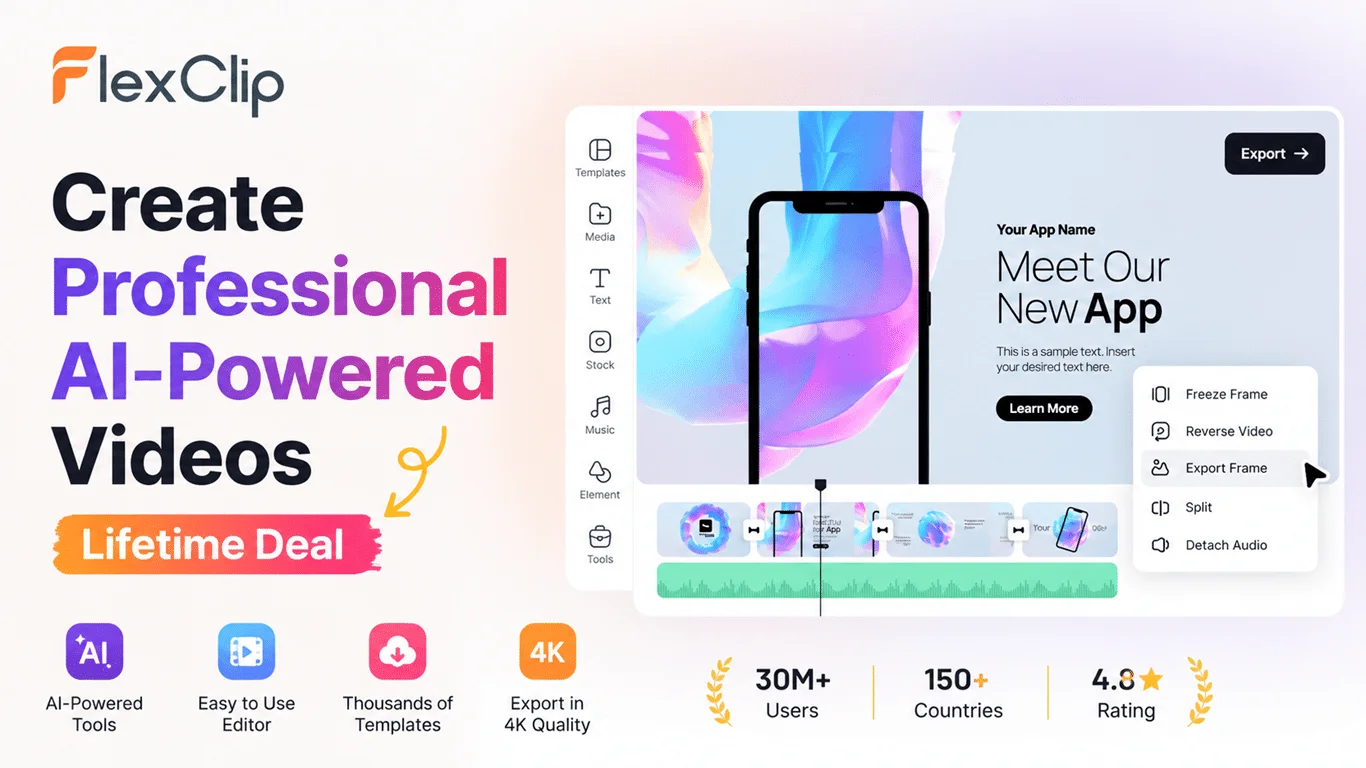
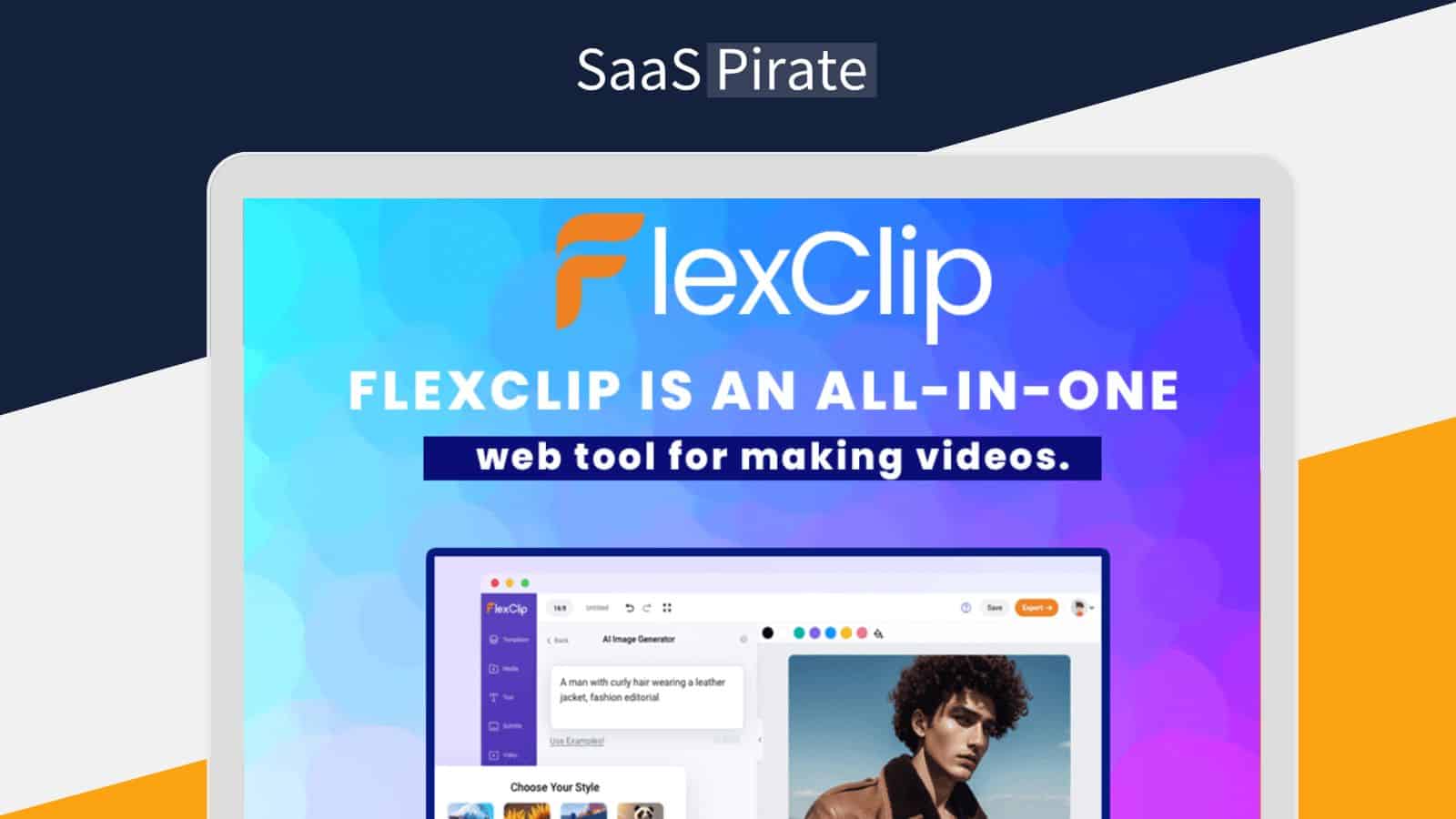
FlexClip is a browser-based video editor built to help non-editors and busy creators produce clean, on-brand videos fast. It combines drag-and-drop editing, a large stock library, ready-made templates, and AI helpers (like text-to-video and auto-subtitles). The FlexClip Lifetime Deal on AppSumo offers lifetime access for a one-time fee, so you can edit and export without ongoing subscriptions.
My Personal Experience & In-Depth Walkthrough:
For the last 72 hours, I used the FlexClip Lifetime Deal to make three pieces: a YouTube explainer, a 30-second product promo, and a vertical Reel. I wanted speed without losing polish.
I started by logging in and picking a template that matched my promo vibe. The template gave me a head start with scene timing, fonts, and transitions. I clicked “AI Video” and tested the text-to-video flow. I pasted a short script, picked a style, and FlexClip built a rough cut with stock clips. I was impressed by how fast the AI placed footage and created a coherent draft (big pro). When I asked for industry-specific footage, a few clips felt generic, so I swapped them with better ones from the built-in stock library (a mild con to note if you need niche shots).
Next, I added brand elements. The Brand Kit let me lock fonts, colors, and logo. That saved time across versions. I recorded a quick voiceover in the browser and paired it with background music. The auto-subtitle tool was a highlight. It generated accurate captions in seconds and let me style them with brand colors. For tight social edits, that was huge.
On the timeline, trimming and re-ordering scenes felt simple. It is not a pro NLE with deep audio mixing or advanced color grading, but it excels at speed, drafts, and social-ready polish. I liked the one-click aspect ratio switch. My 16:9 edit became 9:16 and 1:1 without redoing everything. That is a serious win for creators repurposing content.
Exporting at 1080p was fast. My 90-second promo rendered in under two minutes on a mid-range laptop. Collaboration worked through share links for comments, but there is no true multi-user, real-time editing (something to keep in mind for bigger teams). Overall, the FlexClip Lifetime Deal traded some pro-grade controls for pace and ease. If your goal is rapid content for ads, social, and explainers, the time savings are real.
What Makes It Stand Out / Key Features
- AI text-to-video and script assist to turn ideas into draft cuts fast
- Auto-subtitles with styling, timing controls, and multi-language support
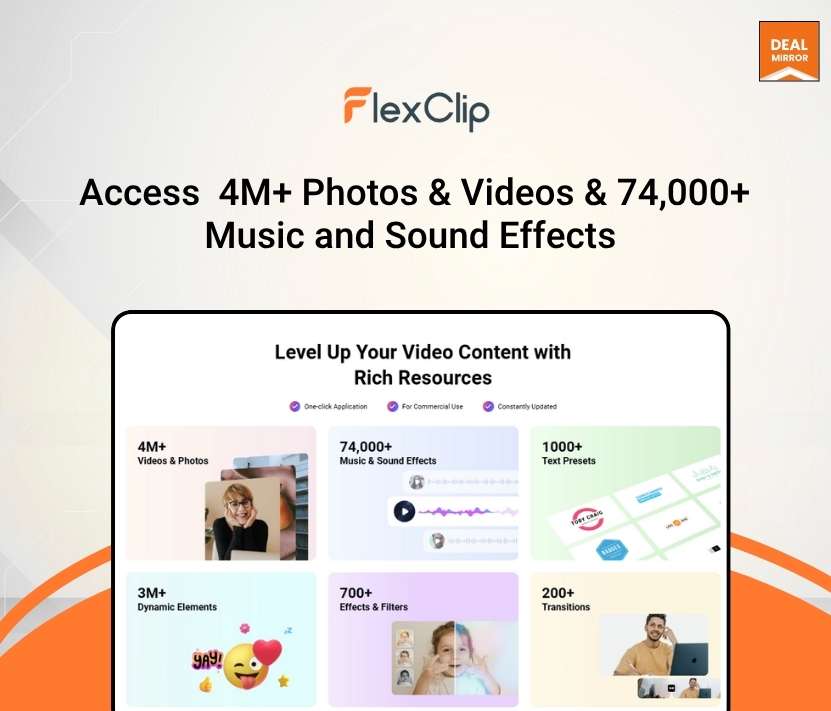
- Large stock library of video, photos, and royalty-free music built in
- Brand Kit to lock fonts, colors, and logos across projects
- One-click aspect ratio switching for 16:9, 1:1, 9:16, and more
- Screen and webcam recorder for demos, tutorials, and UGC
- Background remover for images and smart cutout tools for clean composites
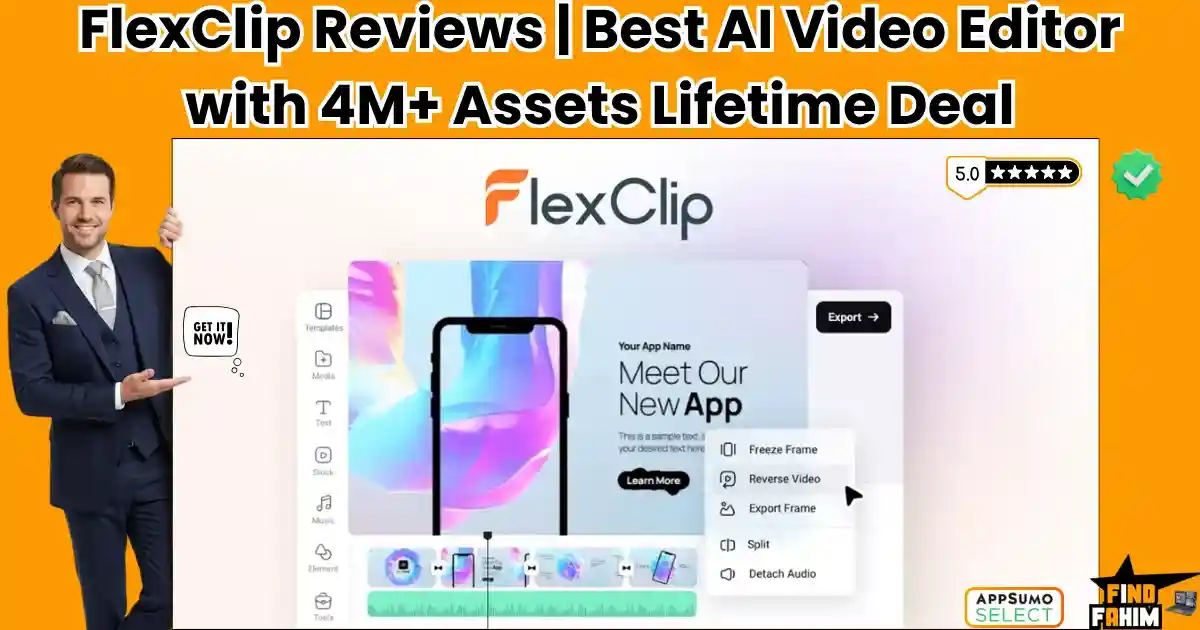
- Easy timeline editing with transitions, overlays, and animated text
- Cloud projects with share links for review and feedback
- Commercial-use licensing on exported videos from paid tiers

What I Like
- Very short learning curve; I was productive in under 30 minutes
- Templates look modern and save tons of setup time
- Auto-subtitles are fast and accurate, with quick styling
- Built-in stock means fewer downloads and licensing checks
- Brand Kit keeps everything on-brand across sizes and formats
- Exports are quick and reliable at 1080p for social and ads
- The FlexClip Lifetime Deal removes subscription anxiety and budgeting
- Browser-based editing works on modest hardware without installs
- AI draft builder is great for outlines and client-first cuts
What Can be improved
- Limited granular controls vs. pro editors (audio mixing, color grading, LUTs)
- AI script and clip choices can feel generic; you still need to refine
- Collaboration is link-based; no real-time multi-editor timeline

Pricing And Affordability
Here is how FlexClip pricing stacks up, including the FlexClip Lifetime Deal. Prices and limits can change with promotions. Always confirm on the live AppSumo page before you buy.
Standard FlexClip Plans (for reference):
- Free: 480p exports, basic tools, watermark, limited templates and stock
- Basic: 720p exports, more templates, light stock access
- Plus: 1080p exports, more stock, longer projects, Brand Kit
- Business: 1080p exports, full template access, larger stock allowance, advanced features
FlexClip Lifetime Deal on AppSumo (typical structure):
- Tier 1 (One-time): Best for solo creators who need fast social videos
- Tier 2 (One-time): Adds higher usage limits and larger cloud storage
- Tier 3 (One-time): Adds the highest limits and is suitable for agencies
- All tiers: Lifetime access, commercial use, future plan updates as per deal terms, 60-day AppSumo refund policy
Note: Specific quotas (e.g., monthly stock limits, AI credits, cloud storage) and one-time prices vary by tier and promotions. The FlexClip Lifetime Deal often includes stackable codes to raise limits. Check the live listing for exact numbers and current pricing.

Why should you buy FlexClip
If you churn out social clips, ads, explainers, or quick promos, the FlexClip Lifetime Deal hits a sweet spot. I made three distinct videos in hours, not days. Templates, auto-subtitles, and the stock library cut my production time in half. I did not fight software. I focused on message and pacing. While it is not a pro suite for complex films, it is perfect for marketing teams, founders, coaches, and creators who need clean results fast and at scale. The one-time price removes ongoing costs and gives you a stable toolkit you can count on.
Lifetime Deal Overview of FlexClip
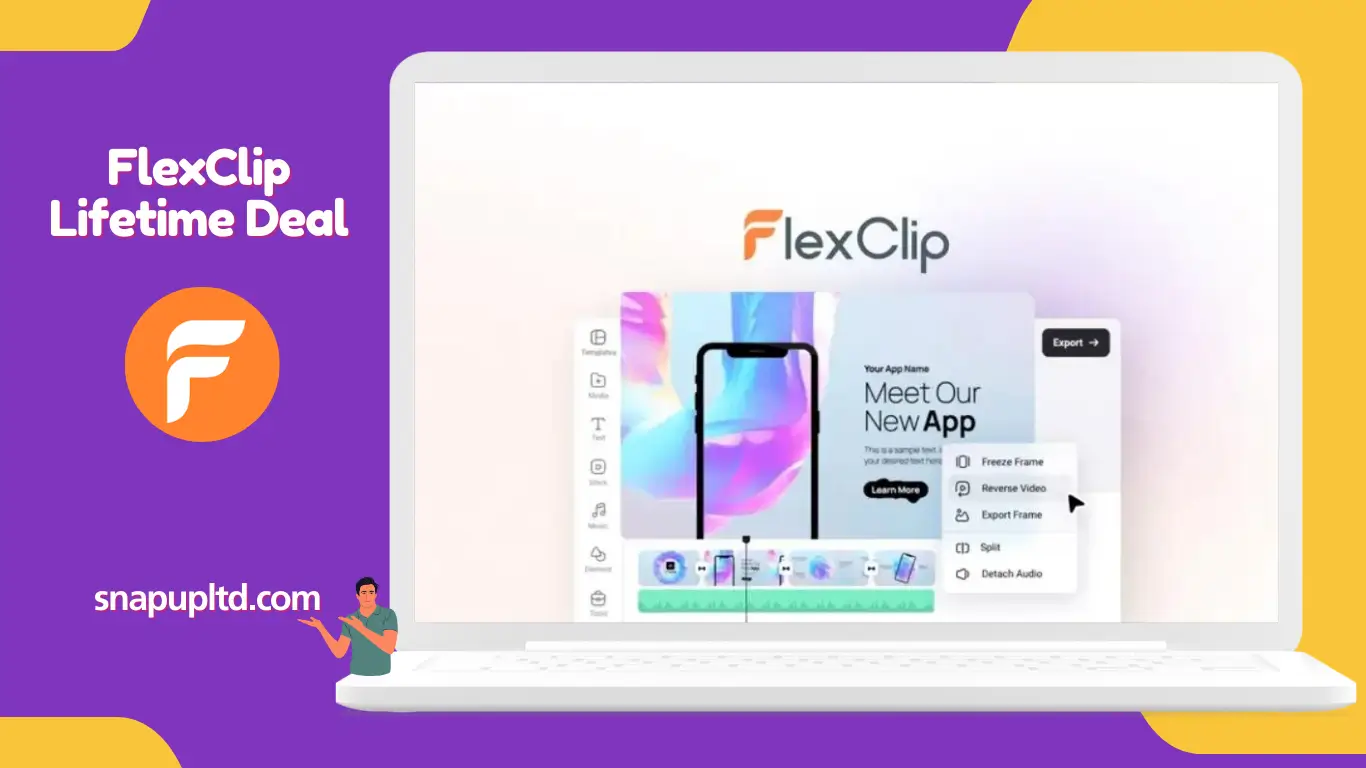
- Access: Lifetime access to FlexClip via AppSumo redemption
- Plan scope: Features/limits tied to the tier purchased
- Updates: Future updates to the included plan/tier are typically included
- Redemption window: Codes must be redeemed within the stated timeframe
- Stackability: Codes are usually stackable to increase limits
- Refund: 60-day AppSumo money-back guarantee
- Licensing: Commercial use on exported videos from paid tiers
- Compliance: Cloud hosting and data handling follow vendor’s policies; review before buying
Comparison With Competitors of FlexClip
| Product | Best For | AI Text-to-Video | Auto Subtitles | Brand Kit | Price Model | Max Export (typical) | Notable Con |
|---|---|---|---|---|---|---|---|
| FlexClip (Lifetime Deal) | Fast marketing/social videos | Yes | Yes | Yes | One-time (AppSumo) | 1080p | Fewer pro-grade color/audio tools |
| Canva Video | Social and design-heavy content | Basic | Yes | Yes | Subscription | 1080p | Timeline less flexible for advanced edits |
| InVideo (AI) | Script-to-video and ads | Strong | Yes | Yes | Subscription | 1080p | Stock quotas depend on plan |
| VEED.IO | Subtitles, screen recordings, training | Yes | Excellent | Yes | Subscription | 1080p/4K on higher tiers | Costly at scale |
| CapCut | TikTok/Reels and effects | Basic | Yes | Limited | Freemium/Pro | 1080p/4K | Licensing/export quirks for commercial work |
FAQ Of The FlexClip Lifetime Deal
Is the FlexClip Lifetime Deal really lifetime?
Yes. You pay once on AppSumo and get lifetime access to the features and limits tied to your purchased tier. Future plan updates for that tier are typically included under the deal’s terms.
Can I use videos commercially with the FlexClip Lifetime Deal?
Yes. Paid tiers include commercial-use rights for exported videos. Always verify any third-party stock asset’s license inside the editor before publishing high-profile ads.
Does FlexClip support captions and multiple languages?
Yes. Auto-subtitles support multiple languages, and you can edit and style them. This was one of the fastest tools I tested for captions.
Will FlexClip replace a pro editor like Premiere or DaVinci?
No. FlexClip focuses on speed and simplicity. It is ideal for social content, promos, and explainers. For advanced color grading, multi-track audio, or VFX, use a professional NLE.
What happens if I need higher limits later?
The FlexClip Lifetime Deal often allows stacking codes to raise limits. Check the live AppSumo listing for current stacking rules.
Conclusion
The FlexClip Lifetime Deal is a smart buy if you want fast, reliable video creation without subscriptions. It shines at turning scripts and ideas into clean drafts, adds accurate subtitles, and exports social-ready cuts with little setup. It will not replace a pro NLE for film work, but it will help you publish more, faster, and on budget. If speed, simplicity, and lifetime value matter, this deal is easy to recommend.