

How To Use Ahrefs For Keyword Research: Quick Guide
Use Ahrefs’ Keywords Explorer, filters, SERP checks, and competitor gaps to prioritize.
If you want a simple, proven system to find winning topics, you are in the right place. I have spent years testing Ahrefs across content sites and SaaS brands. This guide explains how to use Ahrefs for keyword research with clear steps, real examples, and helpful tips. Read on to learn a complete workflow you can use today.

Keyword research with Ahrefs: how it works and why it matters
Ahrefs is a full SEO suite. For keyword work, it shines at scale and speed. You can find ideas, test intent, and size traffic with real click data. You also see rivals and the links you may need to rank.
Here is the core idea. Start with seed terms. Expand them into lists. Check the SERP. Then check rivals. Map keywords to pages. Track results.
This guide shows how to use Ahrefs for keyword research from start to finish. You will learn a method you can repeat for any niche. You will also see where the data can mislead you and how to fix it.
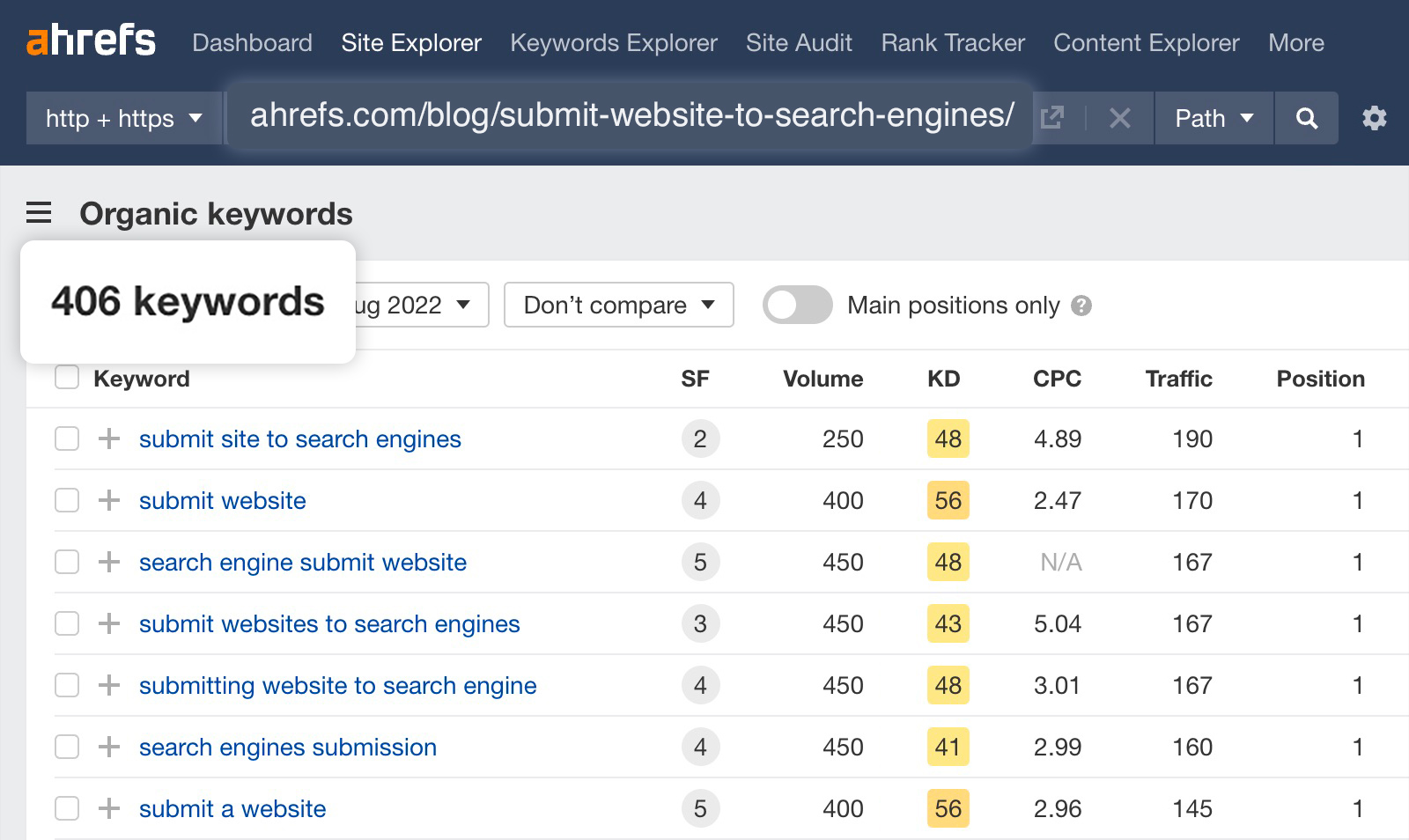
Set up Ahrefs for clean data
Good setup saves time and cuts noise. It also helps you trust the data.
Follow these steps.
- Pick the right country and search engine. Most sites use Google in their main market.
- Set the right language. Mix of languages can skew volume and intent.
- Use exact match filters when you group terms. This keeps clusters tight.
- Sync Google Search Console if you can. This gives you extra click data and query depth.
A clean setup makes it easy to see how to use Ahrefs for keyword research the right way. It also keeps your lists sharp and your pages focused.

Use Keywords Explorer: the step‑by‑step workflow
Keywords Explorer is your main tool. Here is how to use Ahrefs for keyword research with it.
-
Start with seed terms
Type broad phrases in your niche. For a coffee gear site, use espresso machine, pour over, moka pot. -
Read the key metrics
- KD shows link demand from unique domains. Treat it as a guide, not a rule.
- Volume shows average searches per month.
- Clicks shows real clicks, which can be lower than volume when the SERP answers fast.
- CPS shows clicks per search. Higher is good.
- Parent Topic shows a broader target that may drive more traffic.
- Traffic Potential shows how much a top page can get from all ranking terms.
-
Expand your list
Use Matching terms to find long tails. Use Questions to find pain points. Use Include and Exclude to filter noise. Add winners to a List. -
Check the SERP overview
Open the SERP for a target term. Scan the top 10. Note content type, content angle, and page DR. Count the links to rank. Review featured snippets, videos, and local packs. -
Pick or pass
If you can match the intent and build a better page, add it to your plan. If not, pass for now.
This flow is the base of how to use Ahrefs for keyword research. Keep your steps short and your notes clear.

Expand your keyword list like a pro
You can scale fast with smart filters. The goal is to find terms you can rank for and that help your goals.
Try these moves.
- Matching terms. Combine seed words with simple filters. Add terms with buy, best, review, near me, vs.
- Questions. Capture search pain. This helps with featured snippets and PAA boxes.
- Terms with low KD and high Clicks. Sort by Clicks, then filter KD below a set number.
- Include and Exclude. Include espresso, exclude Starbucks. Include vs to find comparison terms.
- SERP features filter. Target keywords with featured snippets you can win.
I once grew a tech blog from 0 to 60,000 sessions in 10 months using this exact flow. I looked for low KD questions with high Clicks. I then mapped each to a clear parent topic and wrote fast, useful posts.
This is how to use Ahrefs for keyword research when you need quick wins. Keep it simple. Filter, sort, and save.

Find competitor gaps with Site Explorer
Competitor work finds what you missed. It also shows you what works in the niche.
Here is how to use Ahrefs for keyword research with Site Explorer.
- Enter a rival domain. Look at Organic keywords for pages that bring real traffic.
- Open Top pages. Sort by traffic. Note topics, angles, and formats that win.
- Use Content gap. Add two to four rivals. See keywords they rank for that you do not.
- Check Also rank for at the page level. This expands every target into a cluster.
- Save good terms to a List for mapping.
Pro tip. Look at Subfolders to find sections with strong growth. For example, /guides/ or /reviews/. This helps you plan site structure and hubs.
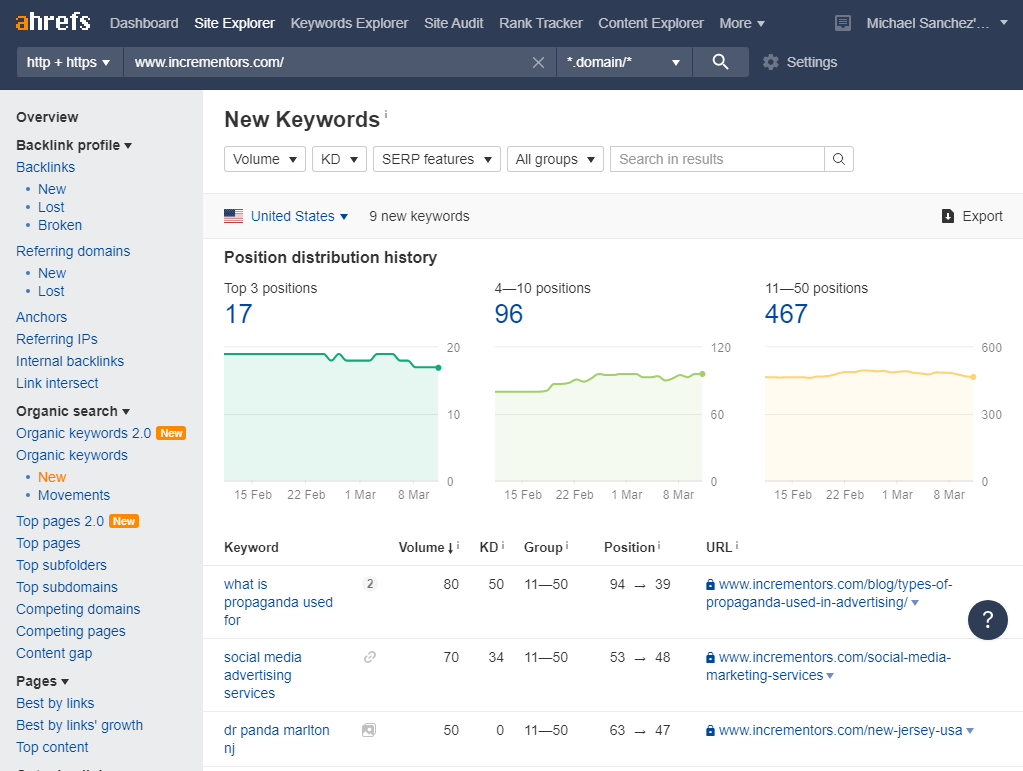
Judge true intent and real difficulty
Volume is not the whole truth. The SERP tells the real story. This is a key part of how to use Ahrefs for keyword research.
Run this intent check.
- Content type. Is the SERP blogs, product pages, or tools?
- Content angle. Are winners list posts, how‑tos, or brand heavy?
- Depth. Do top pages have tables, steps, or data?
- SERP features. Is there a featured snippet, video, or map? Can you win it?
Run this difficulty check.
- Link demand. Use KD for a guide, then check links to top 3 pages.
- Domains. Are they all high authority? If yes, choose a long tail first.
- Relevance. Do titles match the term? If not, you can stand out.
- Traffic Potential. Will the top page get traffic from many terms?
I have seen KD 10 terms that needed 20 links to rank. I have also seen KD 30 terms rank with one great page and no links. Treat KD as a weather report. You still need to look outside.
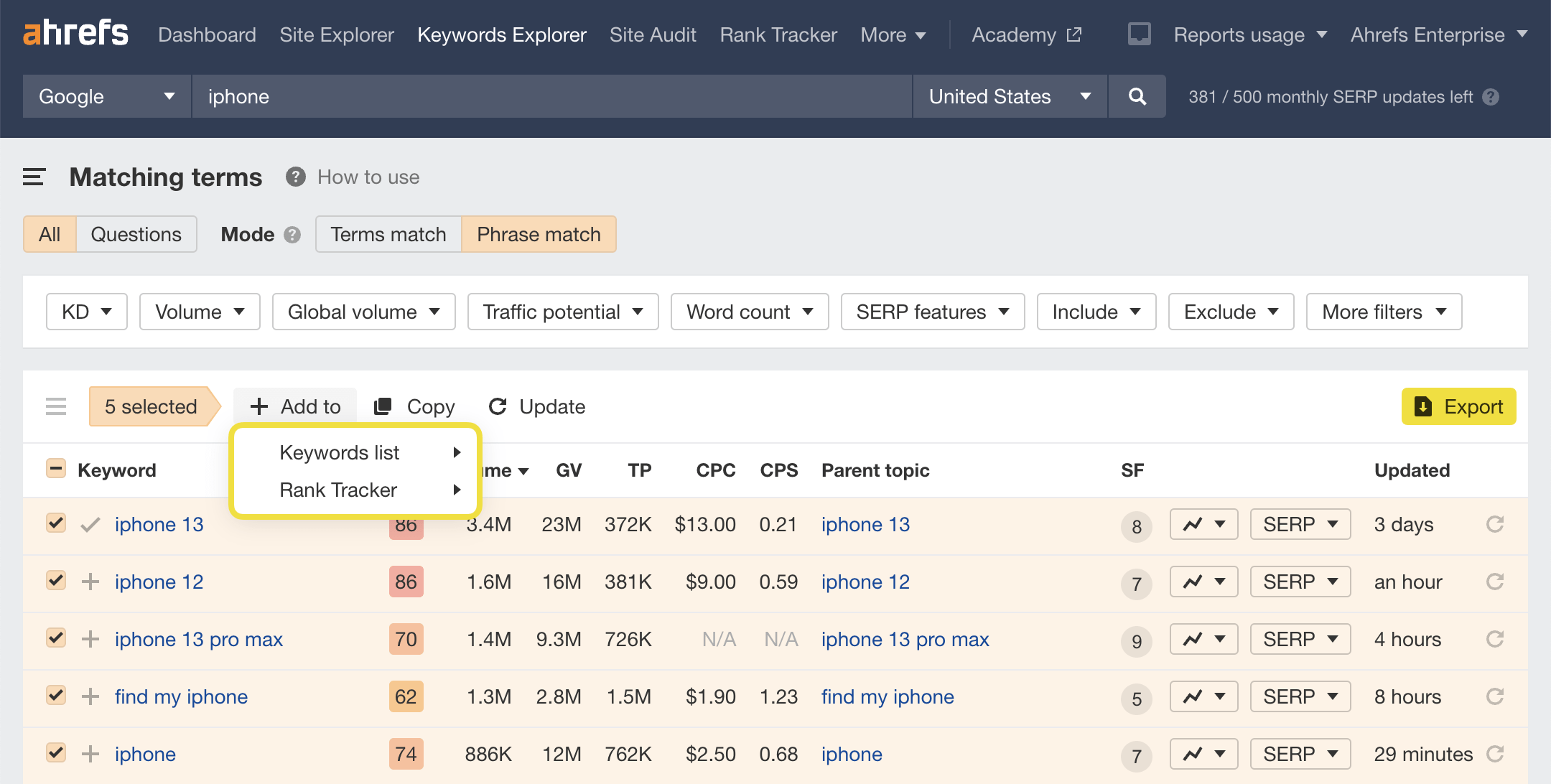
Build lists, clusters, and a keyword map
A tidy plan speeds up content and avoids cannibalization. Ahrefs Lists make this easy.
Follow these steps to learn how to use Ahrefs for keyword research at the planning stage.
- Create a List per hub, like espresso guides or grinder reviews.
- Group by Parent Topic. Target the parent with a main page, then add child posts.
- Add tags, like BOFU, MOFU, TOFU. This ties to funnel stages.
- Map each cluster to a URL. One page per intent. Avoid overlap.
- Export to CSV and add notes for writer briefs.
This gives you a simple content map. It also helps you see gaps fast. If a cluster has clicks but no page, you know what to write next.

Prioritize with a simple score and forecast
Not all keywords are equal. Score them so you ship the best work first.
Use a quick formula.
- Opportunity score = Traffic Potential weight + Business fit weight − Effort weight.
- Business fit. Score 1 to 3 based on lead or sale impact.
- Effort. Score 1 to 3 based on links and content depth.
- Start with scores above a set line, like 4 or 5.
A light forecast helps set goals. Use Ahrefs Traffic Potential and your average CTR and conversion rate. Keep it simple. Forecasts guide direction, not exact results.
This is how to use Ahrefs for keyword research when you need buy‑in. A clear score and a light forecast make your plan easy to trust.
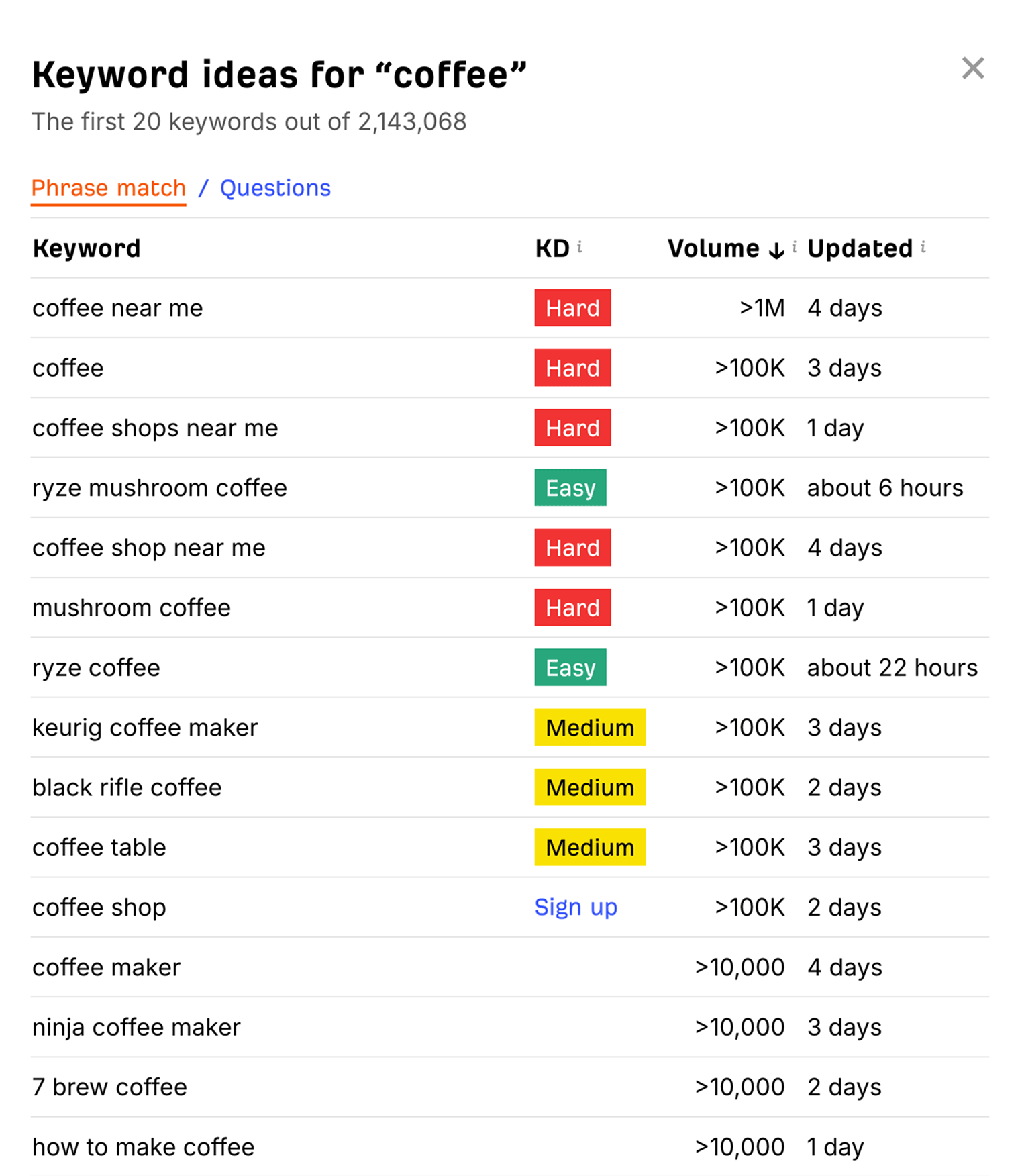
Turn data into briefs that rank
Great pages match intent and add real value. Use Ahrefs data to build tight briefs.
Do this for each target.
- Open the SERP overview. Note common subheads across the top 5 pages.
- Pull Questions for FAQs on the page.
- Use Content gap at the page level. See terms rivals rank for that you can add.
- Note word count ranges, media use, and any data or tools on winning pages.
- Define the angle. For example, cheap, fast, or expert.
I like to add one proof point per post. This can be a test, a mini study, or a quote from a pro. It builds trust. It also helps you win links.
This step is core to how to use Ahrefs for keyword research and content briefs. Data guides the plan. Your craft wins the click.
Track rankings and fix issues fast
You need to track and tune. Ahrefs Rank Tracker and Site Audit do the job.
Here is a fast setup.
- Add your main keywords and clusters to Rank Tracker.
- Tag by page or hub. This helps spot wins and losses fast.
- Set alerts for big swings. Fix drops before they get worse.
- Use Site Audit. Check internal links, load speed, and index issues.
- Add internal links to push key pages. Use relevant anchor text.
I once pulled a page from position 11 to 4 in two weeks. I added five internal links from strong posts and updated the intro to match new intent. Small edits can have big gains.
This is how to use Ahrefs for keyword research after publish. The work does not stop at launch. Track, learn, and improve.
Common mistakes and expert tips
Many teams make the same errors. Here is how to avoid them.
Mistakes to avoid
- Chasing volume, not clicks or Traffic Potential.
- Ignoring intent. Writing a blog post when the SERP wants a tool.
- Trusting KD without a SERP check.
- Cannibalizing by targeting the same term on two pages.
- Skipping internal links to new pages.
Expert tips
- Use include filters with buy, best, cheap, near me, vs, review.
- Filter by Clicks per search above 0.6 to dodge zero‑click traps.
- Target terms where the top 3 lack your key subtopic. You can fill the gap.
- Refresh posts that rank on page 2. Add missing subheads and links.
- Recheck the SERP before you write. Intent can shift fast.
If you want a crisp repeatable system, review these steps often. They are the spine of how to use Ahrefs for keyword research that works.
Frequently Asked Questions
Is Ahrefs good for beginners?
Yes. Start with Keywords Explorer and the SERP overview. Use Lists to stay organized and keep your scope small at first.
How accurate is Ahrefs search volume?
Volume is a model. Use Clicks and Traffic Potential to cross‑check demand and get closer to real results.
What is a good Keyword Difficulty score to target?
For new sites, start with KD 0–10 and long tails. As you gain links and trust, add higher KD terms.
How do I find long‑tail keywords in Ahrefs?
Use Matching terms and Questions with Include and Exclude filters. Sort by Clicks and lower KD to find quick wins.
Should I target Parent Topic or the exact keyword?
Often you should build a page for the Parent Topic. Use the exact term in the page to help relevance and to rank for both.
Conclusion
You now have a clear path. Start with seed terms. Expand with smart filters. Check the SERP. Map pages. Track and tune. This is how to use Ahrefs for keyword research that gives steady wins.
Pick one hub and run the full flow this week. Add five targets to a List. Build one brief and publish. Small steps, done well, will stack fast.
If this guide helped, subscribe for more deep SEO playbooks, or leave a comment with your niche and a challenge you face.
My Best Recommended Keyword Research Tool—Get Started Here >>



3 Comments