
How To Start Affiliate Marketing On Pinterest: Quick Guide
Choose a niche, join affiliate programs, and publish optimized pins with clear calls-to-action.
You want a straight path on how to start affiliate marketing on Pinterest. I’ve managed high-traffic profiles, tested dozens of pins, and learned what moves the needle. In this guide, I show how to start affiliate marketing on Pinterest step by step. You will see real tips, tools, and mistakes to avoid. Stick with me, and you can launch fast and grow with less guesswork.
Why Pinterest Works for Affiliate Sales
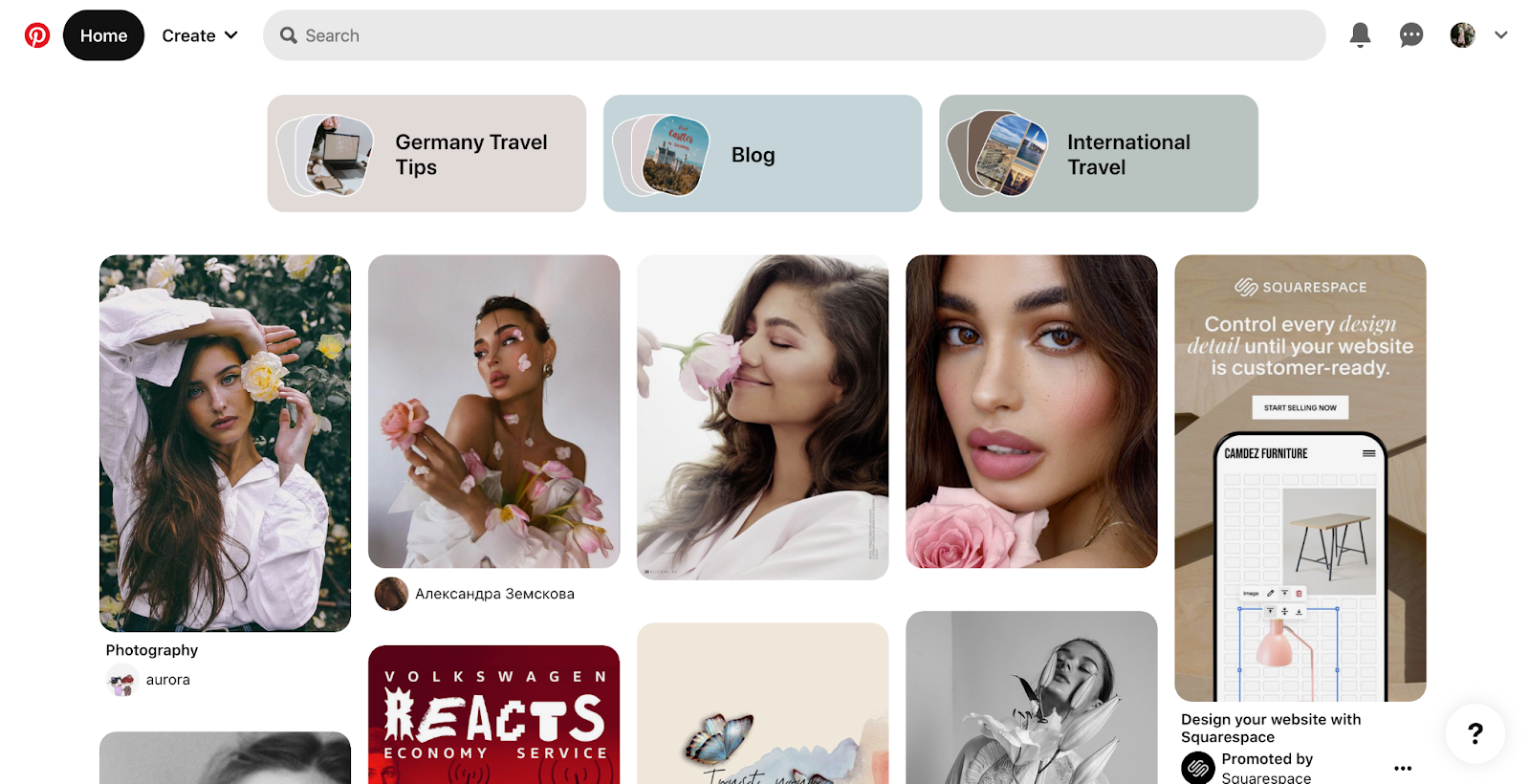
Pinterest is a visual search engine with over 500 million monthly users. People come with a plan. They save ideas. They click to shop. That intent makes conversions more likely.
Pins last for months, not hours. Your content can rank in search and keep sending clicks. It fits well with evergreen topics like home, beauty, food, travel, and tech. If you want a simple, lean way to sell, this is it. This is also why learning how to start affiliate marketing on Pinterest is worth your time.
What I’ve found in client work is simple. Strong keyword use plus clean images equals reach. Pair that with trust, and you get sales.
Step-by-Step: How to Start Affiliate Marketing on Pinterest
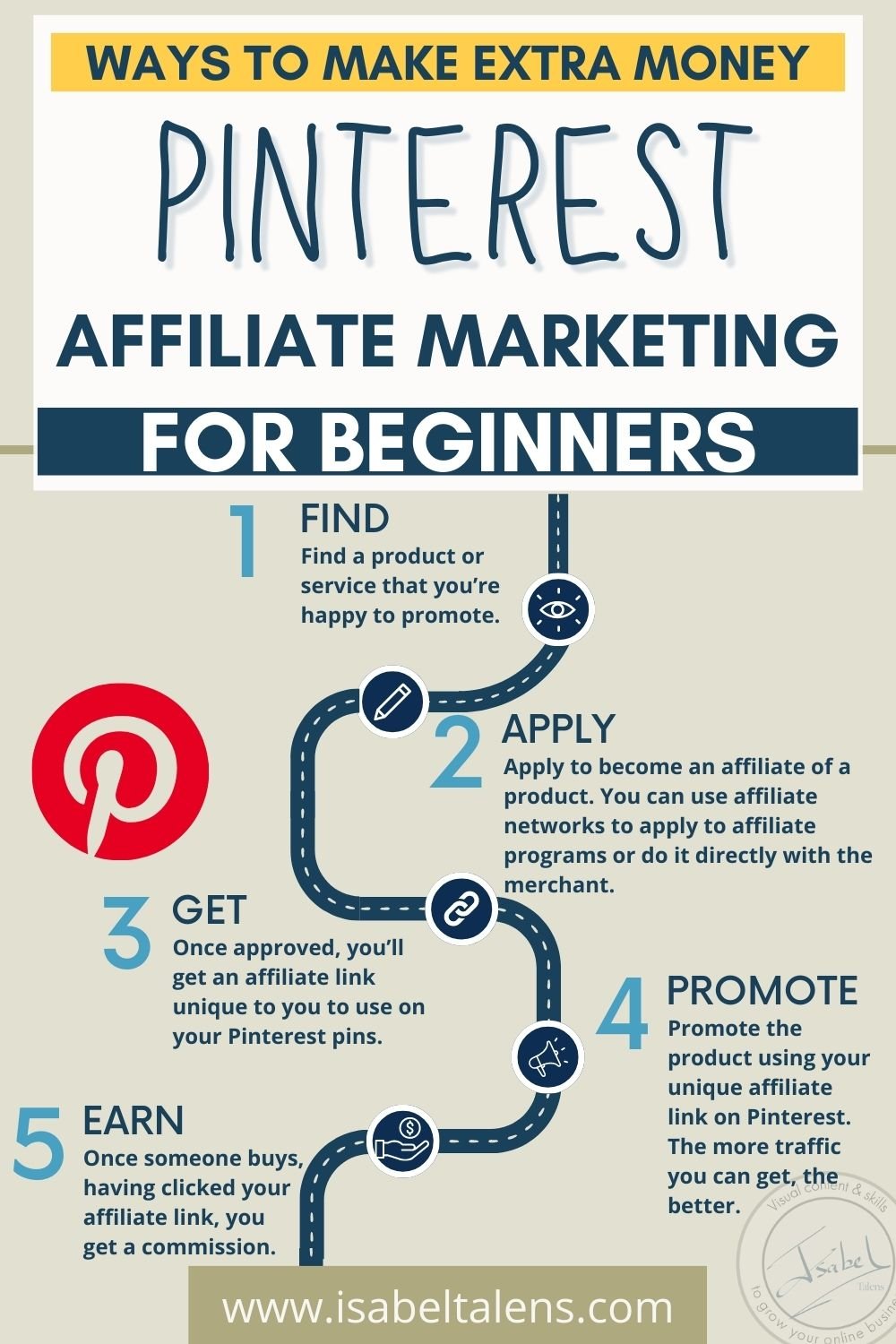
Follow this plan to go from zero to first click.
- Define your niche
- Pick one clear topic.
- Make sure people search for it.
- Check that it has products with good payouts.
- Start with Amazon Associates for broad offers.
- Add niche networks like Impact, CJ, or ShareASale.
- Look for high AOV and repeat buys.
- Set up your foundation
- Create a Pinterest Business account.
- Write a keyword-rich bio.
- Add a profile picture that fits your brand.
- Map content to intent
- List problems your audience has.
- Match them to products you trust.
- Plan pins for search, trends, and seasons.
- Create and publish pins
- Use tall images.
- Add a strong headline.
- Put the link to your affiliate page or post.
- Track and improve
- Watch saves, clicks, and CTR.
- Double down on winning styles.
- Update old pins with better text and tags.
If you need a mantra, use this: test one idea per week. If you want to know how to start affiliate marketing on Pinterest without a blog, you can still link direct, but see the compliance section below.

Pick a Profitable Niche and Programs
Great niches have clear use cases, lots of SKUs, and steady demand. You want topics where people often search before buying.
Strong starter niches
- Home and decor.
- Beauty and skincare.
- Fitness gear and wellness.
- Kitchen and small appliances.
- DIY, crafts, and printables.
- Travel accessories.
- Tech gadgets and smart home.
How to validate a niche
- Use Pinterest search. Type your topic. Note auto-suggest ideas.
- Use Pinterest Trends. Check seasonality and growth.
- Check merchant pages. Look for clear shipping, reviews, and return rules.
Choosing programs
- Mix low-ticket fast movers with a few high-ticket items.
- Compare cookie windows and EPC.
- Favor brands with good images, guides, and fast sites.
As you learn how to start affiliate marketing on Pinterest, think like a shopper. Would you click that pin and feel safe to buy? If not, find a better offer.
Set Up Your Pinterest Business Account the Right Way
A business account unlocks analytics, ads, and better controls. It also sends the right trust signals.
Do this first
- Convert to a Business account.
- Claim your site if you have one.
- Enable Rich Pins if you publish posts.
- Add a clean profile image and a short, keyword-based bio.
- Create 7–10 boards that match your niche.
Board setup tips
- Use clear titles like Minimalist Living Room Ideas or Gluten Free Dinners.
- Write board descriptions with natural keywords.
- Pin 5–10 starter pins to each board to seed context.
This setup helps the algorithm learn your topic fast. It also gives you the base to scale as you master how to start affiliate marketing on Pinterest.
Pinterest SEO: Keywords, Boards, and Search
Pinterest reads your text like a search engine. It uses it to match pins to users.
Find keywords
- Type your core topic in Pinterest search. Save autosuggest terms.
- Study “related searches” on pin pages.
- Check Trends for season peaks.
Place keywords
- In pin titles.
- In pin descriptions with 1–2 related terms.
- In board titles and descriptions.
- In your profile bio and display name where it fits.
SEO best practices
- Write for humans first.
- Use natural phrases, not stuffed lists.
- Keep a keyword bank in a doc.
- Refresh old pins with improved text.
Your goal is simple: match user intent. This is key when you learn how to start affiliate marketing on Pinterest and want long-term reach.

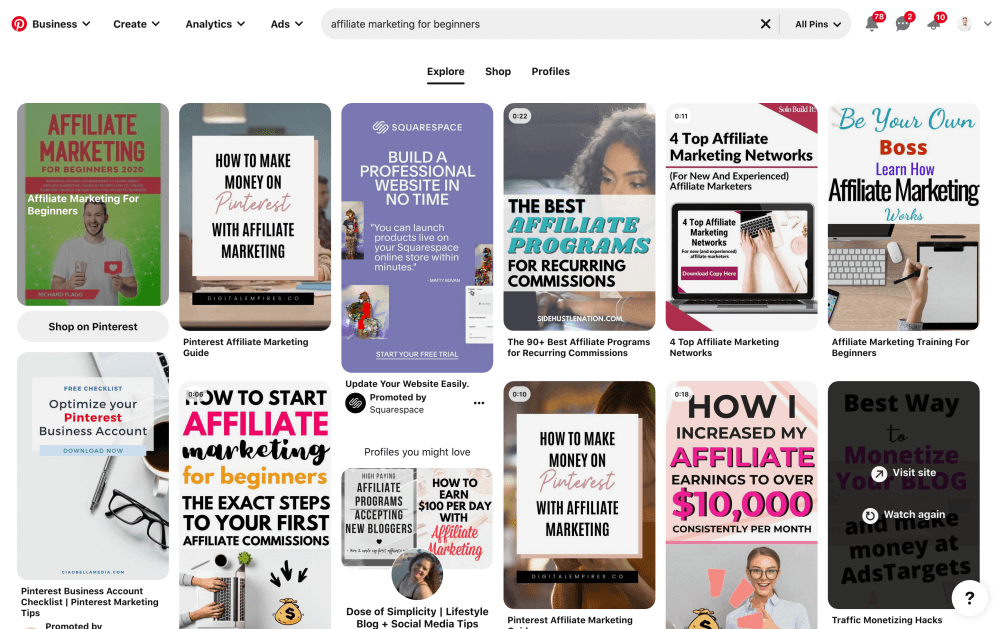
Create Click-Worthy Pins That Convert
A click-worthy pin stops the scroll. It shows value fast. It makes the next step clear.
Design rules that work
- Use a tall format.
- Keep contrast high.
- Add short, bold headlines.
- Show the product or the end result.
- Place your logo small at the top or bottom.
Copy that moves people
- Promise a clear benefit.
- Use power words like easy, fast, proven, save, new.
- Include a call-to-action like See Picks or Shop My List.
Pin types to test
- Product roundups like 9 Best Carry-On Bags.
- One winner like The Only Blender I Recommend.
- Before-and-after or comparison visuals.
- Mini guides like 5 Steps to Clear Skin.
- Video pins with quick demos.
When I test new creatives, I start with three looks per idea. I keep the same link and headline. I vary the image and background. The best CTR often comes from the simplest design.

Smart Linking, Disclosures, and Compliance
Pinterest allows affiliate links, but spam is not. Follow the rules to stay safe.
Linking options
- Direct to your affiliate link if your network allows it.
- Or send to a helpful blog post, then to the affiliate.
- Always use a clean link structure and UTM tags for tracking.
Disclose every time
- Add a clear note like “affiliate link” in pin descriptions.
- You can also use #ad or #affiliate.
- Ensure your site has a full disclosure page if you blog.
Follow policies
- Do not cloak links in ways that hide the true destination.
- Avoid mass pinning the same URL in a short time.
- Use fresh images and text for repeats.
- Review your affiliate network terms and Pinterest guidelines.
If you want to scale how to start affiliate marketing on Pinterest, trust comes first. Clear disclosure builds that trust.

Track Results and Optimize for Growth
Data tells you what to do next. Watch clicks and saves first, then look at sales.
What to track
- Impressions show reach.
- Saves show interest.
- Outbound clicks show action.
- CTR shows pin strength.
- Conversions show profit.
Simple optimization loop
- Sort by clicks.
- Make two more pins for your top URLs.
- Tweak headlines or images on weak pins.
- Refresh boards with new context pins.
Use analytics in your programs too. Compare clicks from Pinterest to sales. If a pin gets clicks but not sales, check the landing page. Fix speed, mobile layout, and message match.
This focus on testing is how to start affiliate marketing on Pinterest and keep growing month after month.

Monetization Playbooks and Real Examples
You can earn in many ways. Mix them to smooth your income.
Playbooks to try
- The roundup: 7 Best Budget Espresso Machines. One pin, many links.
- The single star: My Favorite Vitamin C Serum. One link, deep trust.
- The checklist: Carry-On Packing List with Product Links.
- The seasonal board: Holiday Gift Guides by price and niche.
- The problem solver: Fix Frizzy Hair Fast with These Tools.
Real-world note from my work
- Video pins lift saves and time on pin.
- A short demo of use beats a static shot in most niches.
- Text overlays that promise a result drive clicks.
- Pins that show people using the item feel more real.
As you learn how to start affiliate marketing on Pinterest, build a small library of evergreen pins. Then drop in timely pins for peak seasons.
Common Mistakes to Avoid
Skip these traps to save time and money.
- No niche focus. Broad topics confuse the algorithm.
- Weak images. Low contrast and tiny text get ignored.
- No disclosure. That hurts trust and breaks rules.
- Sending cold traffic to a weak page. Fix load speed and clarity.
- Posting once and quitting. Pinterest rewards steady effort.
- Ignoring mobile. Most users are on phones.
I’ve made some of these. The fix was simple. Focus, disclose, post weekly, and improve the page people land on. That is the heart of how to start affiliate marketing on Pinterest the right way.
Tools, Templates, and a 7 Day Launch Plan
Helpful tools
- Canva for pin design.
- Pinterest’s native scheduler.
- Pinterest Trends for ideas.
- A URL builder for UTM tags.
- A simple spreadsheet for tracking tests.
7 day launch plan
- Day 1: Pick your niche and 3 subtopics.
- Day 2: Join 2–3 affiliate programs.
- Day 3: Set up your Business account and boards.
- Day 4: Do keyword research and write pin titles.
- Day 5: Design 9 pins for 3 URLs.
- Day 6: Publish and schedule pins for the next two weeks.
- Day 7: Review early data. Note ideas to test next.
Keep it light and clear. This plan gets you moving fast and shows how to start affiliate marketing on Pinterest with focus.
Frequently Asked Questions of how to start affiliate marketing on pinterest
Do I need a blog to start?
No, you can use direct affiliate links if allowed. A blog helps with SEO, trust, and long-form guides, but it is not required.
How many pins should I post per day?
Start with one to three quality pins per day. Steady posting beats short bursts of mass content.
What image size should I use?
Use tall images. A 1000 x 1500 pixel size works well and looks sharp on mobile.
Can I reuse the same link in many pins?
Yes, but vary your images and copy. Give each pin a fresh angle to avoid spam signals.
How long before I see results?
You may see clicks in days, but growth often takes weeks. Evergreen pins can keep driving traffic for months.
Which niche is best for beginners?
Pick a niche you know and buyers trust, like home, beauty, or fitness. Make sure there are good products and clear problems to solve.
How do I disclose affiliate links on Pinterest?
State “affiliate link” in the pin description and use #ad or #affiliate. Keep your disclosure clear and easy to see.
Conclusion
You now have a clear plan to launch and grow. Pick a niche, join strong programs, design clean pins, disclose links, and track results. Build a small, steady engine that works while you sleep.
If you are serious about how to start affiliate marketing on Pinterest, take one action today. Create three pins for one offer and schedule them. Want more help? Subscribe for templates, checklists, and weekly tests you can copy.
My Best Recommended & Proven Way to Make $10k Every Month—Get Started Here >>


3 Comments